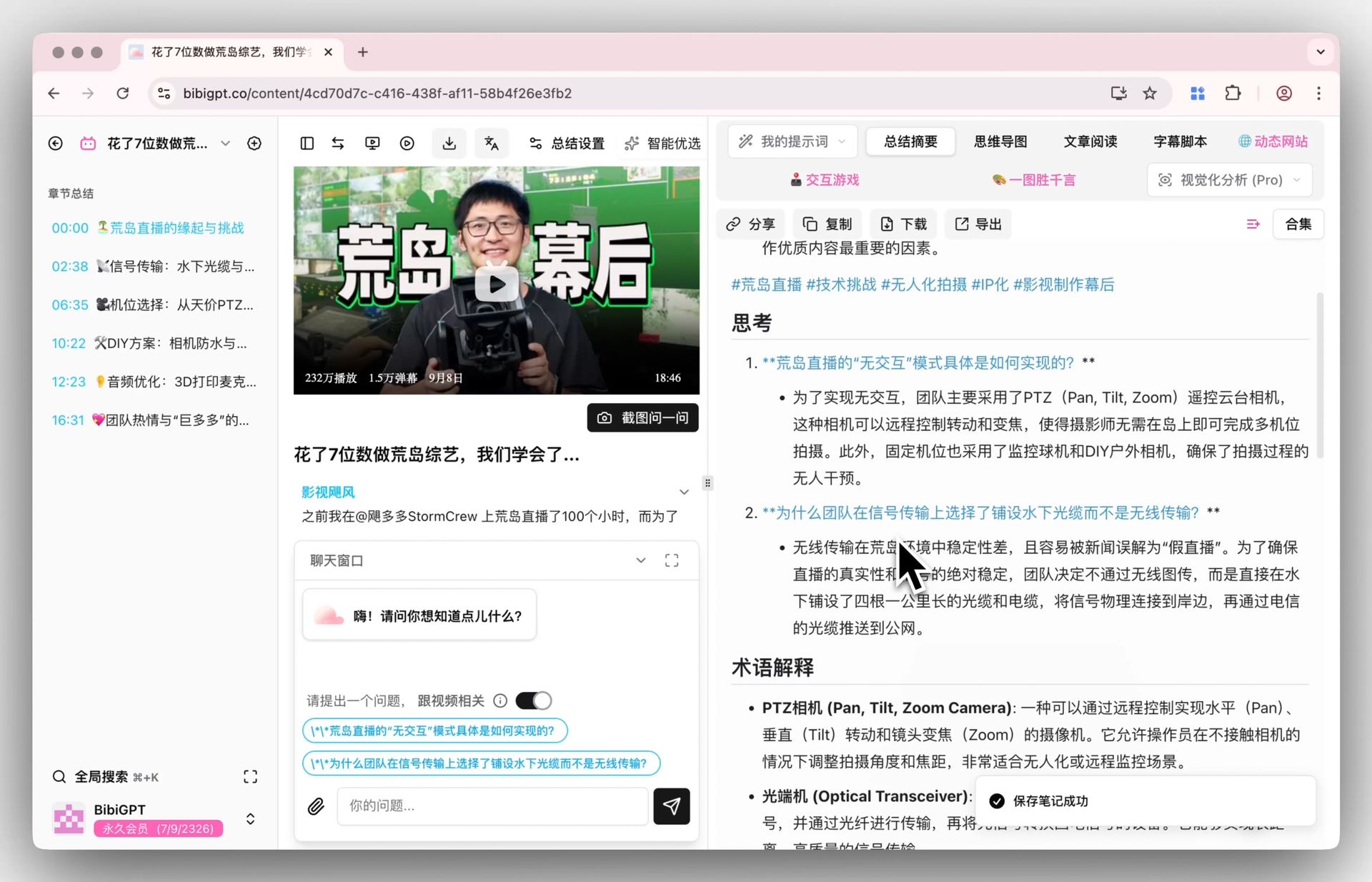
影片摘要提示詞庫:12 組可直接複製的逐字稿提示詞(2026)

影片摘要好不好用,關鍵不在你把逐字稿貼進哪個工具,而在提示詞有沒有把輸出結構、字數上限,以及「逐字稿沒提到就寫 not stated」寫死。下面 12 組各自負責一種任務,全部放在可一鍵複製的程式碼區塊裡,直接拿去用就好。
12 組提示詞內文一律保留英文——你真正要貼上的就是這段英文,英文指令在各家 AI 對話工具裡跑起來更穩定;想要它用中文回覆,自己補一句就行。
三個步驟:先拿到逐字稿,複製其中一組提示詞,再把結尾的 <paste the transcript here> 換成你的逐字稿。沒有逐字稿的話,把影片網址丟給 BibiGPT 就能拿到附時間戳的文字稿,接著貼進你慣用的 AI 對話工具跑這些提示詞。
提示詞的價值不在句子寫得漂不漂亮,而在它有沒有替你把輸出的長相釘死。
盡量用附時間戳的逐字稿。這裡有一半的提示詞會要求 AI 回引時間戳,沒有時間戳就只能寫「n/a」,你也就失去回頭核對原句的能力。純文字稿仍然跑得動,只是可查證性差一截。
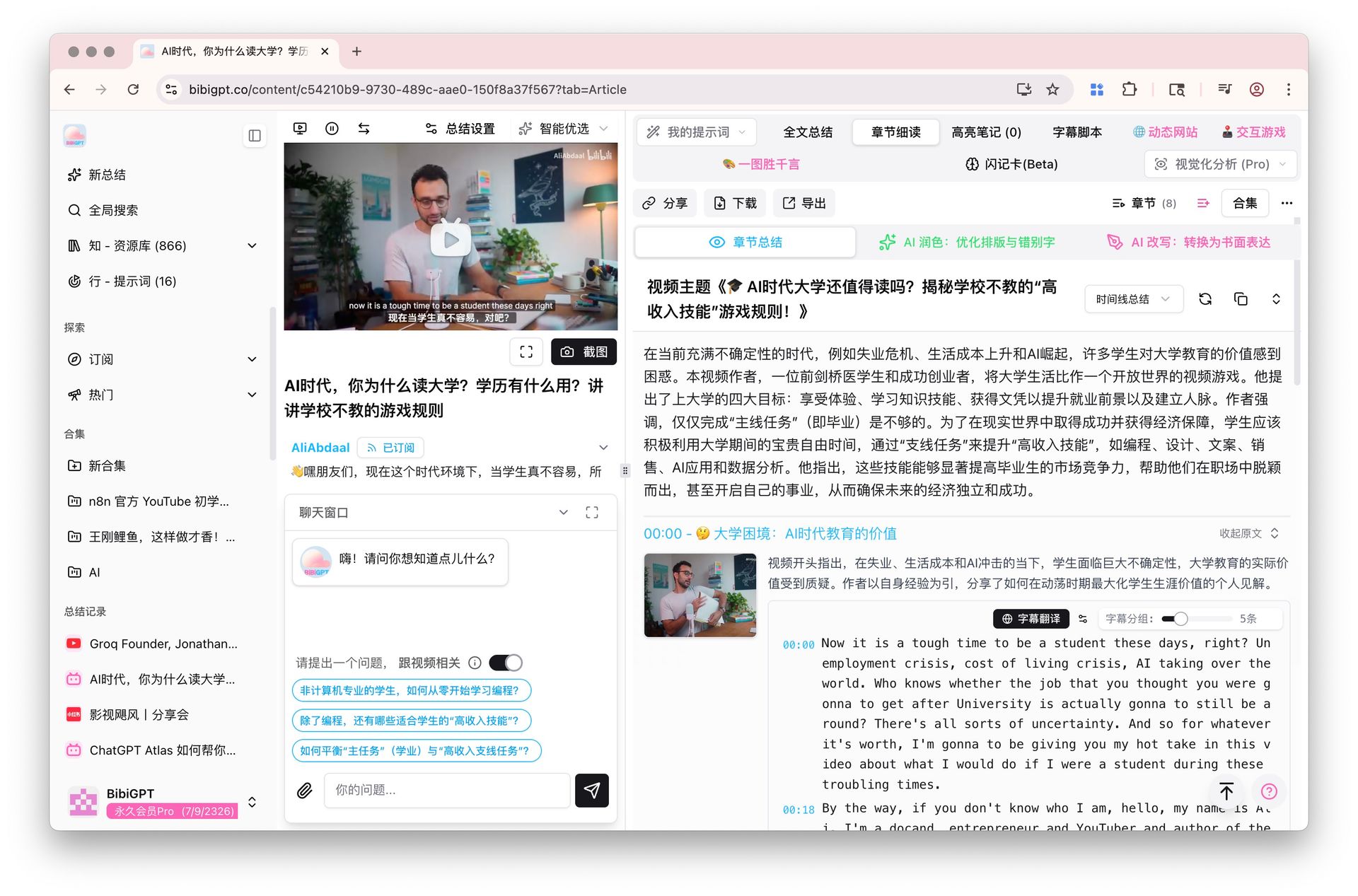
附時間戳的影片逐字稿與分章閱讀畫面
影片很長,怎麼快速找到該看的段落?
這件事由兩組提示詞負責:一組把逐字稿變成可跳轉的目次,另一組把操作內容壓成編號步驟。影片很長、而接下來一小時不值得從頭看到尾時,先跑這兩組。它們成敗都繫於同一句限制:只用真實存在的時間戳,絕不自己生。
怎麼讓 AI 產出附時間戳的影片大綱?
先跑這一組,再決定要不要看、從哪裡開始看。它會輸出 6 到 12 個附時間戳的段落,每段配一句說明,等於幫這支影片做了一份可跳轉的目次。關鍵那句是「只用逐字稿裡真的出現過的時間戳」;少了它,AI 很容易生出一個看起來很合理、其實指不到任何地方的 00:14:32。
You are given a video transcript with timestamps. Build a navigable outline of it.

Rules:
- Produce 6-12 sections. A section is one topic shift, not one paragraph.
- Format every line as: [HH:MM:SS] Section title - one sentence on what is covered.
- Use ONLY timestamps that appear in the transcript. Never estimate, interpolate or invent one. If a section starts where no timestamp is marked, write [time not marked] instead of guessing.
- Titles must be specific ("Why the 2019 pricing change backfired"), never generic ("Introduction", "Key points").
- End with one line: "Longest section: <title> (~<minutes> min)".
- Under 300 words. No preamble, no closing remarks.

TRANSCRIPT:
<paste the transcript here>
怎麼把教學影片變成一步一步的操作清單?
一邊看教學一邊拖進度條,是最慢的跟做方式。這組把教學壓成編號步驟,一步一個動作,把口頭講出的數值、指令與選單路徑原封不動抄進方括號。只出現在畫面上、沒被念出來的值會標註清楚而不是亂猜,最後還會附上前置需求、各階段的驗收點,以及可能因版本而異的步驟。
Convert this tutorial transcript into a checklist someone can follow without watching.

Output numbered steps. Each step is one imperative action, followed in brackets by any exact value, setting, command or menu path that was spoken.

Rules:
- One action per step. Split any step that contains "and then".
- Copy values, names, paths and commands character for character. If something was only shown on screen and never spoken, write [shown on screen, not stated] - never guess it.
- After the steps add PREREQUISITES (what you need before step 1) and CHECKPOINTS (how you know each phase worked, quoting what the tutorial says you should see).
- Finish with one line: "Steps that may depend on the version you are using: ...".

TRANSCRIPT:
<paste the transcript here>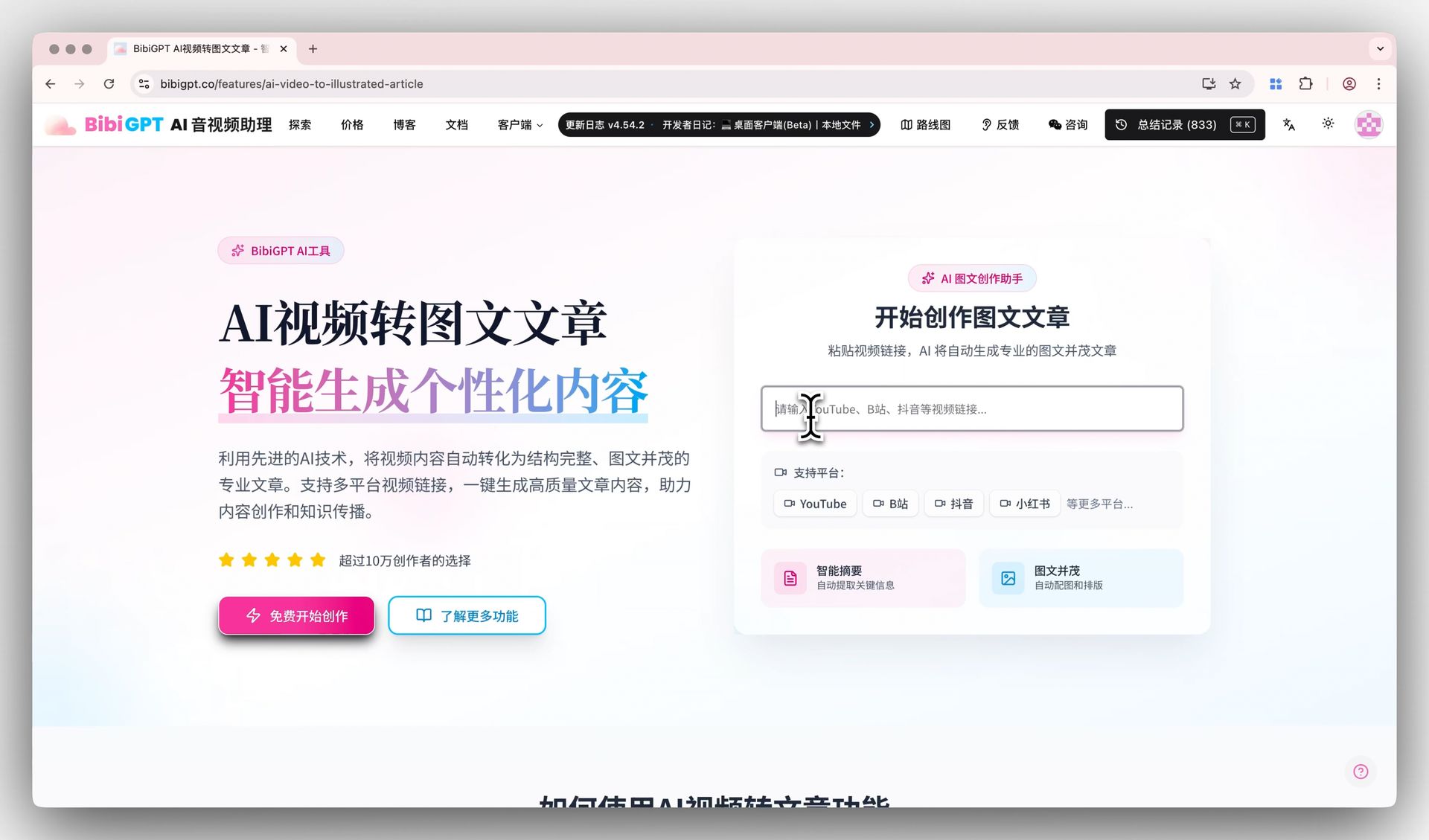
把影片逐字稿改寫成文章大綱的畫面
怎麼把一支影片講給不會打開它的人?
「講給別人聽」其實是兩種活,差別在聽的人是誰。要據此拍板的人需要一份結構固定的短結論;完全不熟這個領域的人需要術語被清掉、順序被重排。下面兩組各管一種,請依對方的知識程度挑,而不是依篇幅長短挑。
對方不會看影片,摘要要怎麼寫?
這組是寫給「不會點開影片、卻要據此做判斷」的人看的。它固定四塊:一句話結論、涵蓋範圍、誰該看、以及影片沒回答的問題。最後一塊多數摘要都會省略,但正是它讓讀者知道自己還缺什麼,而不是誤以為看完摘要就掌握全貌。
Summarize this transcript for a busy reader who will never watch the video.

Output exactly these four blocks:
1. BOTTOM LINE - 2 sentences. The single most useful thing in the video.
2. WHAT IT COVERS - 4-6 bullets, each under 20 words.
3. WHO SHOULD WATCH - 1 sentence on who benefits, 1 sentence on who can safely skip it.
4. WHAT IT DOES NOT ANSWER - 2-3 questions a reader may arrive with that the transcript leaves open.

Rules:
- Under 250 words in total.
- Every statement must be traceable to the transcript. If something is only suggested, write "implied, not stated".
- Add no background knowledge of your own.

TRANSCRIPT:
<paste the transcript here>
遇到不熟的領域,怎麼讓 AI 講成白話?
看不熟的領域,卡住的多半是四五個術語。這組會用零術語重寫一遍,附一份白話詞彙表,再按初學者需要的順序(不一定是影片原本的順序)重排成 5 到 8 段,最後給一個明確標示為比喻的類比。講者預設你已經懂的東西,它會直說「影片假設你已經知道 X」,而不是自己補一段。
Rewrite this transcript for someone completely new to the subject.

Output:
- WHAT THIS IS ABOUT - 3 sentences, no specialist vocabulary at all.
- GLOSSARY - every specialist term the speaker uses, each explained in under 15 plain words.
- THE IDEA, STEP BY STEP - 5-8 short paragraphs, ordered the way a beginner needs them, which may differ from the order in the video.
- ONE ANALOGY - a single comparison to something ordinary, clearly labelled as an analogy.

Rules:
- Aim at a motivated 15-year-old reader.
- Where the speaker assumed background the transcript never supplies, write "the video assumes you already know X" rather than filling the gap yourself.
- No sentence longer than 25 words.

TRANSCRIPT:
<paste the transcript here>
依影片內容自動生成的自我測驗畫面
怎麼從一場會議裡拿到決議和下一步?
開完會有兩個各自獨立的問題:要做什麼,以及到底拍板了什麼。第一組給出附負責人的任務表;第二組畫出「已決」和「只是討論過」的界線,而錄影正好會把這條線抹平。同一份逐字稿都跑一遍,會後追蹤就齊了。
怎麼從會議錄影裡擷取待辦事項和負責人?
開完會或講完電話直接跑這組,會拿到一張「事項/負責人/期限/時間戳/把握度」的表。沒點名的事項一律寫 unassigned,不准從上下文猜人;聽起來像任務、實際上被否決或延後的內容則另立一區——後者才是事後各說各話的溫床。
Extract the action items from this transcript.

Return a table with the columns: Action | Owner | Due or trigger | Timestamp | Confidence

Rules:
- Owner: use the name actually spoken. If nobody was named, write "unassigned" - do not infer an owner from context.
- Due or trigger: the exact wording used, otherwise "not stated".
- Timestamp: where the action was raised. If the transcript carries no timestamps, write "n/a".
- Confidence: high (explicitly agreed) / medium (proposed, not confirmed) / low (mentioned in passing).
- Under the table add a NOT ACTIONS list: anything that sounds like a task but was rejected or postponed.
- If there are no action items, reply "No action items found" and stop. Do not manufacture any.

TRANSCRIPT:
<paste the transcript here>
怎麼分清楚會議裡「已經拍板」和「還沒定案」?
長會議的難處不是記不住,而是在錄影裡,討論和決議長得一模一樣。這組把內容硬切成已決、未決、仍有分歧三塊,而且態度很嚴:沒有人說出結論,就算未決。中途被岔開、後來再也沒回頭的題目也會被點名。
Read this meeting transcript and separate what was settled from what was not.

Output three sections:
DECIDED - one line each: the decision, who stated it, the timestamp. Only include items where someone actually concluded something.
OPEN LOOPS - the question left hanging, who raised it, and what would close it.
DISAGREEMENTS - positions still in conflict when the topic changed. One sentence per side.

Rules:
- A topic that was merely discussed is an open loop, not a decision. Be strict about that line.
- If a topic was dropped and never revisited, say so explicitly.
- Maximum 8 items per section; if more exist, keep the most consequential and note how many you left out.
- Never assign a decision to a speaker who did not state it.

TRANSCRIPT:
<paste the transcript here>
沒寫「找不到就寫 not stated」的提示詞,遲早會替你生出一個不存在的時間戳。
怎麼用一段課程錄影來學習?
用錄影學習分成兩件事:檢驗自己,以及留住打動你的部分。一組從素材裡生出回想型題目,另一組把值得逐字抄下來的句子挑出來。兩組都不准用課外知識補空,所以結果始終忠於這堂課本身。
怎麼把課程影片變成一份自我測驗?
主動回想的效果遠勝重看一遍,而這組提示詞負責把題目生出來。它會出 8 題涵蓋整堂課的簡答題、4 題需要串起兩個概念的應用題,外加附時間戳的解答。凡是需要課外知識才答得出來的題目都要刪掉,所以考的是這堂課本身。
Turn this lecture transcript into a self-test.

Produce:
A. 8 recall questions (short answer) spread across the whole lecture, not only the opening third.
B. 4 application questions that require combining two ideas from the lecture.
C. An answer key. Each answer paraphrases the transcript and cites the timestamp it came from.

Rules:
- Every question must be answerable from the transcript alone. Delete any question that needs outside knowledge.
- Mark anything the speaker called important or exam-relevant with [flagged by speaker].
- Keep each answer under 40 words.
- If the transcript is too thin for 12 questions, produce fewer and say how many the material actually supports.

TRANSCRIPT:
<paste the transcript here>
怎麼從影片裡挑出可以直接引用的金句?
把影片再製成貼文時,最大的風險是引錯話。這組挑出 8 到 12 句能獨立成立的原話,附時間戳和一句「為什麼這句站得住」,並且嚴守逐字照抄:可以刪贅字但要用刪節號標出,不准潤飾。脫離上下文就變調的句子會被另外隔離。
Pull the most quotable lines out of this transcript.

Return 8-12 quotes. For each: the quote verbatim, its timestamp, and one line on why it lands (surprising, contrarian, unusually concrete, memorable phrasing).

Rules:
- Verbatim means verbatim. You may cut filler words and mark the cut with "...", but never rewrite, smooth or improve the wording.
- Each quote must stand on its own without the surrounding context.
- Skip anything shorter than 6 words or longer than 40.
- If a line changes meaning once removed from its context, do not list it as a quote - put it under CONTEXT-DEPENDENT instead.

TRANSCRIPT:
<paste the transcript here>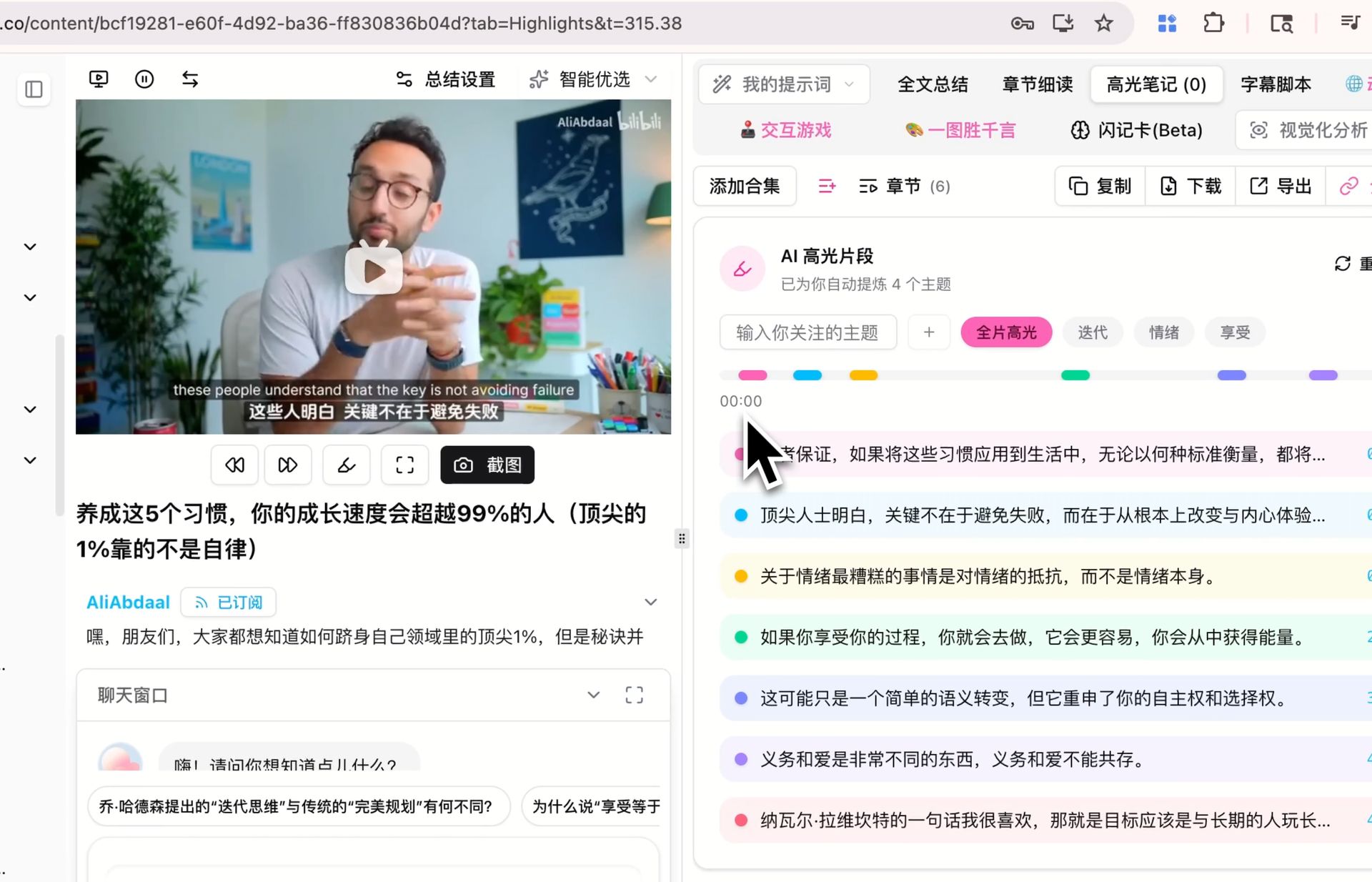
在影片中標記並擷取金句的畫面
怎麼核對影片裡到底說了什麼?
引用或轉發影片內容之前,值得先跑兩輪:先把數字抓出來,再列出哪些說法需要查證。兩組都不准判斷真假,也不准生出沒被講過的數字——目標是一份可逐條核對的清單,而不是疊在原結論上的第二層結論。
怎麼只擷取影片裡的數字,並附上時間戳?
法說會、研究報告這類影片,你要的往往只有數字。這組讓每個數字獨立成列,附上原話、量的是什麼、時間戳,以及有沒有講出處。數字一律照抄,不四捨五入、不換算單位,也不會替講者把「大概」這種模糊詞抹掉。
Extract every quantitative claim from this transcript.

One row each: Figure | Exact quote | What it measures | Timestamp | Source named? (yes: <source> / no)

Rules:
- Include numbers, percentages, dates, durations, amounts of money, counts and rankings.
- Quote the figure exactly as spoken. Do not round, convert units or normalize currencies.
- Keep any hedge the speaker used ("roughly", "about", "up to").
- Add no figure that is not spoken in the transcript, and do no arithmetic of your own.
- After the table, list under CHECK THESE any figure with no named source or that looks implausible, with one line saying why.

TRANSCRIPT:
<paste the transcript here>
轉發之前,怎麼列出影片裡需要查證的說法?
請注意這組不做查核,它只負責列出「哪些說法需要查」。每條輸出說法、原話、時間戳、類型、怎麼驗證,以及萬一錯了風險多大,並依風險由高到低排序。禁止模型用自身知識判斷真假是重點——這樣你拿到的是一份可以逐條處理的清單,而不是另一層同樣需要查證的結論。
Do not fact-check this transcript. Instead, build the list of things that WOULD need checking.

One row per checkable claim: Claim (one sentence) | Exact quote | Timestamp | Type (statistic / causal / attribution / prediction / definition) | How to verify it, in one line | Risk if wrong (high / medium / low)

Rules:
- Only falsifiable claims qualify. Tastes and preferences do not; predictions about measurable outcomes do.
- Do not say whether a claim is true or false, and do not use your own knowledge to judge it.
- If a claim is attributed to a study, person or report, put that attribution in the quote column exactly as spoken.
- Sort by risk, highest first. Maximum 15 rows.

TRANSCRIPT:
<paste the transcript here>
怎麼把一支影片變成別的東西?
二次利用不外乎兩種:把一支影片改寫成別的形式,或把兩支影片擺在一起對照。第一組給出附證據的文章大綱;第二組把兩份逐字稿的共識與分歧攤開。兩組都拒絕補上原文沒有的證據。
怎麼把一場演講改寫成文章大綱?
把演講變成文章,卡住的是結構而不是文筆。它會給三個標題方案、一段導言,以及 5 到 7 個「以主張命名而非以主題命名」的小標,每個小標配上附時間戳的素材。最有用的是結尾的 GAPS:演講沒給、但文章一定要補的數據與反面觀點。
Turn this talk transcript into an outline for a written article.

Output:
- 3 candidate titles, each under 12 words.
- A lead paragraph of 60-80 words stating the article's argument.
- 5-7 section headings, each phrased as a claim rather than a topic label.
- Under each heading, 2-3 bullets of supporting material taken from the transcript, with timestamps.
- A GAPS list: what the article still needs that the talk does not supply (data, counterargument, example).

Rules:
- Invent no supporting evidence. Every bullet must exist in the transcript.
- Keep the speaker's argument, not your own opinion.

TRANSCRIPT:
<paste the transcript here>
怎麼讓 AI 比較兩支談同一主題的影片?
同一個主題、兩個人講得不一樣時,用這組把差異攤開。輸出分成共識、分歧、各自獨有,以及一段三句話的「你該看哪一支」,而且一定要標明是 A 說還是 B 說。它也允許 AI 承認「只是用詞不同,看不出實質分歧」,這句話擋掉了大量硬湊出來的對立。
You are given two transcripts on the same topic, labelled A and B.

Output:
1. AGREE - points both make, one line each, with a timestamp from each side.
2. DISAGREE - A's position, B's position, and the evidence each one offers.
3. ONLY IN A / ONLY IN B - what one covers that the other never raises.
4. WHICH TO WATCH - 3 sentences: for which reader, which video, and why.

Rules:
- Never merge the two into a single voice. Always attribute.
- A point that appears in only one transcript does not belong in AGREE.
- Where you cannot tell whether they truly disagree or merely word things differently, write "wording differs, substance unclear".

TRANSCRIPT A:
<paste transcript A here>

TRANSCRIPT B:
<paste transcript B here>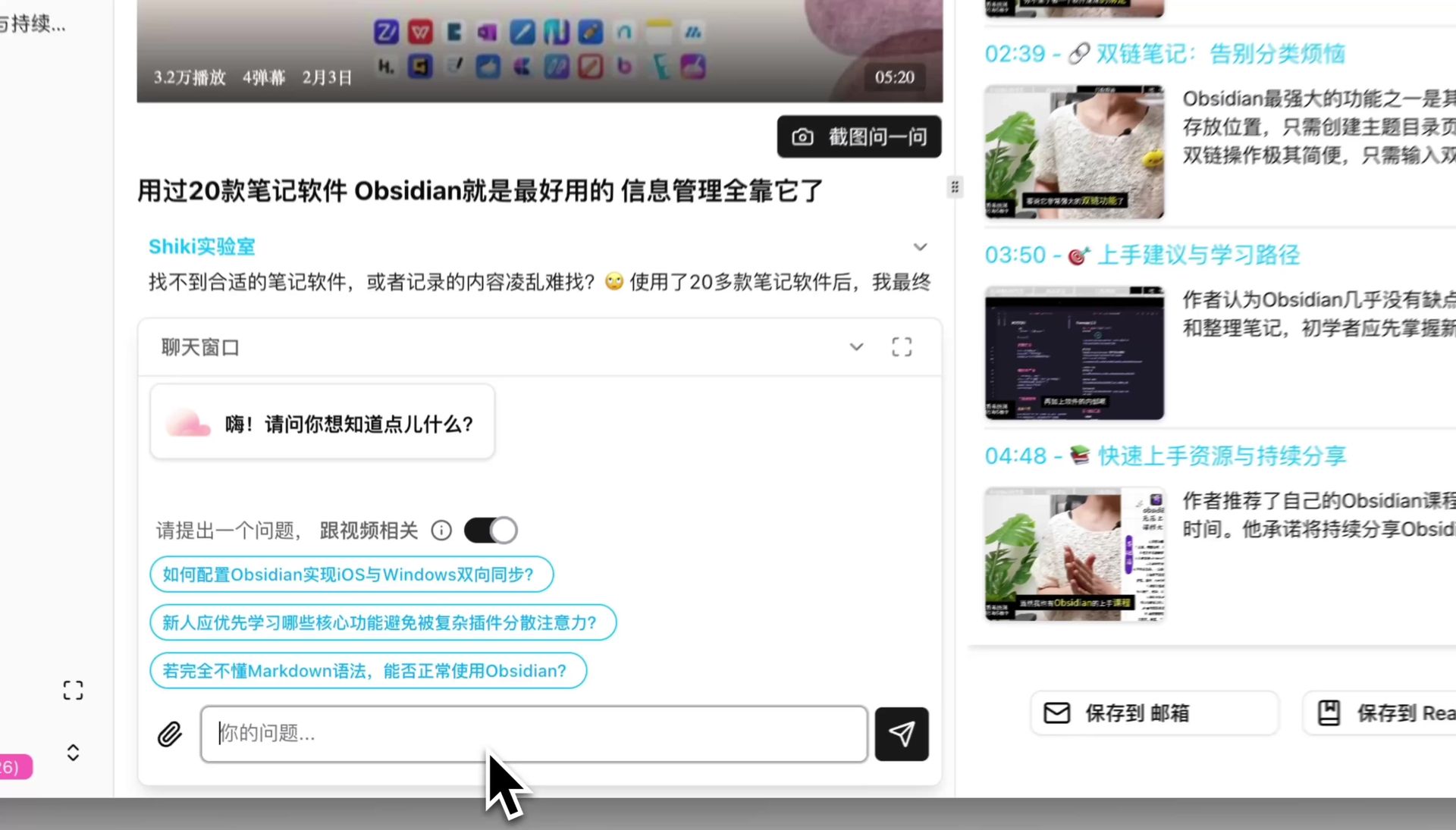
把逐字稿貼進對話視窗繼續追問
怎麼把這些提示詞改成自己的版本?
改三個地方就夠:字數上限、輸出區塊的名稱(換成你們團隊在用的講法)、以及表格欄位(加一欄「所屬專案」或工單編號)。唯一不建議動的是每組結尾那幾行限制——只用真實存在的時間戳、寧可寫 not stated 也不要猜、不准自帶外部知識。輸出能直接拿去用,靠的就是這三句。
12 組裡你每週真的會用的,大概不超過 3 組——先把那 3 組固定下來。
與其收藏這篇,不如把常用的幾組存進輸入法短語或程式碼片段工具,配兩個字母的縮寫,這才決定你會不會真的用。等這 3 組成了習慣,再回來挑第 4 組,比一次全套上路更容易撐過第二週。
Popular tools
本系列更多文章
- AI Competitive Intelligence Workflow: Build Industry Monitoring with BibiGPT Video Summaries
- Lessons From Shipping BiliGPT: Two Cold-Start Growth Tactics Behind a GPT-3 Side Project
- [BibiGPT Growth Series] Episode 1 | How AI Summaries for Bilibili Were Born
- BibiGPT Advanced Guide 2026: Download + AI-Summarize Videos from WeChat Channels, RedNote, TikTok, and Enterprise Intranet Sites
- Chat with Any Video: How to Ask AI Questions About Videos Instead of Watching the Whole Thing (2026)