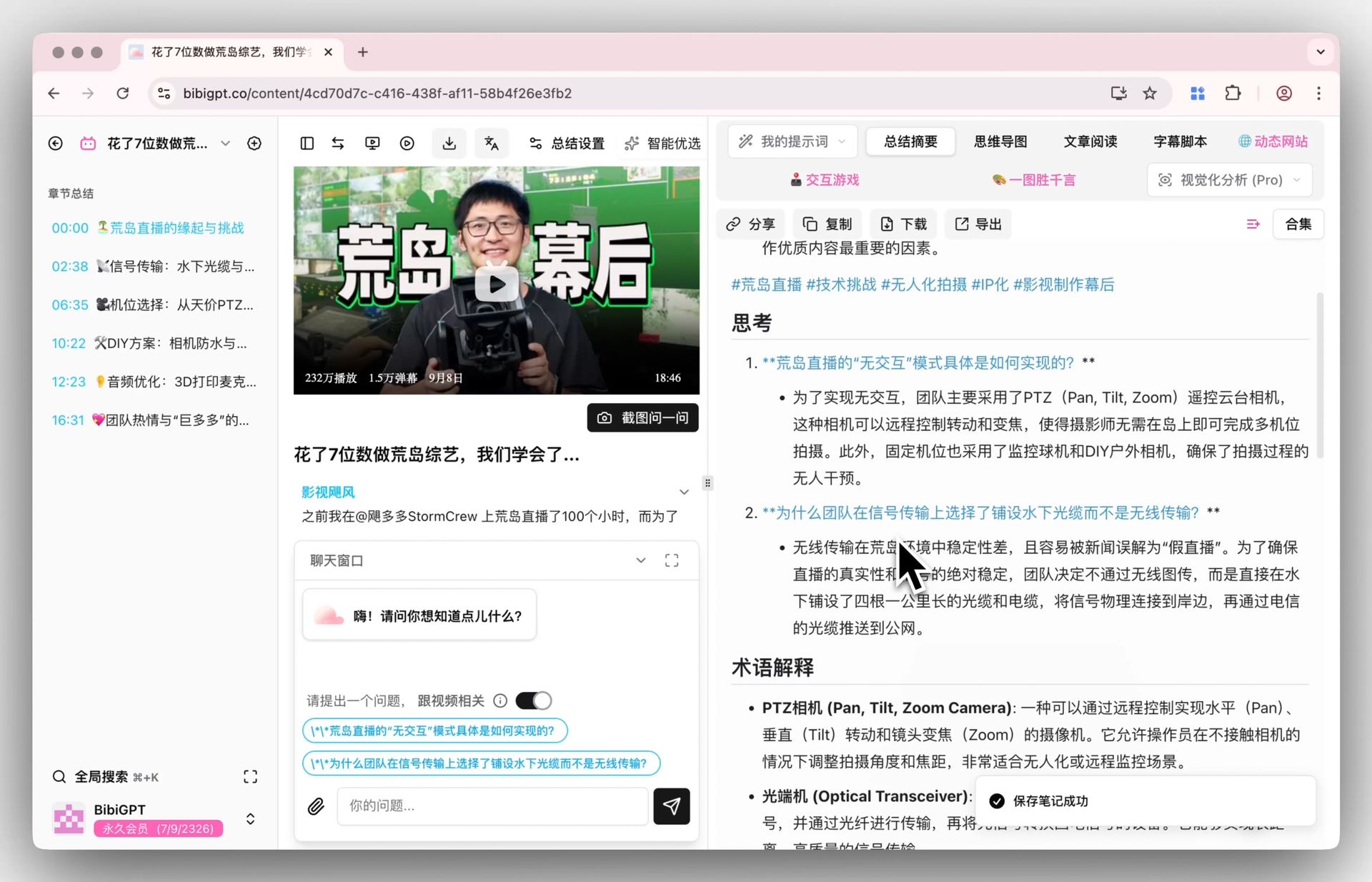
영상 요약 프롬프트 12개: 자막·대본에 바로 붙여넣는 복사용 모음 (2026)

쓸 만한 영상 요약과 그렇지 않은 요약을 가르는 건 어떤 도구에 붙여넣느냐가 아니라, 출력 구조와 분량 상한을 못 박고 «대본에 없으면 not stated라고 써라»까지 명시한 프롬프트냐입니다. 아래 12개는 각각 다른 작업을 맡고, 모두 한 번에 복사할 수 있게 정리했습니다.
프롬프트 본문은 어느 언어판에서든 영어 그대로 둡니다. 실제로 붙여넣는 건 이 영문이고, 영어 지시가 각종 대화형 도구에서 더 안정적으로 동작하기 때문입니다. 답변을 한국어로 받고 싶으면 그 한 줄만 덧붙이면 됩니다.
세 단계입니다. 자막 대본을 확보하고, 프롬프트 하나를 복사하고, 맨 아래 <paste the transcript here> 자리에 대본을 넣습니다. 대본이 없다면 영상 링크를 BibiGPT에 넣어 타임스탬프가 붙은 텍스트를 받은 뒤, 평소 쓰는 대화형 도구에 그대로 옮기면 됩니다.
프롬프트의 값어치는 문장이 그럴듯한지가 아니라, 결과물의 형태를 얼마나 못 박았는지로 정해진다.
가능하면 타임스탬프가 있는 대본을 쓰세요. 여기 실린 프롬프트의 절반은 타임스탬프 인용을 요구하는데, 없으면 «n/a»만 돌아오고 원문으로 되돌아가 확인할 방법이 사라집니다. 순수 텍스트로도 돌아가지만 검증 가능성은 확실히 떨어집니다.
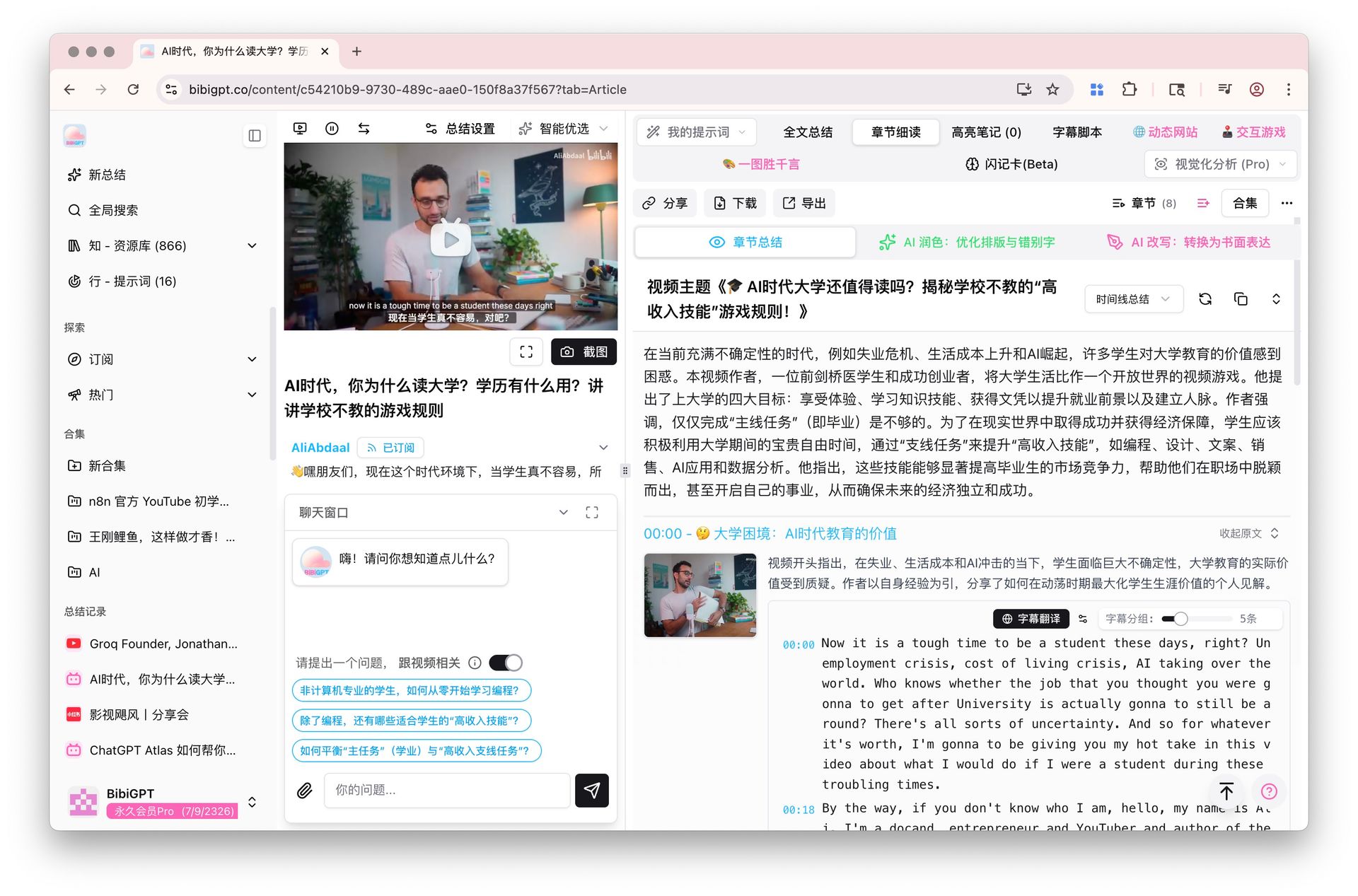
타임스탬프가 붙은 영상 대본과 챕터별 읽기 화면
긴 영상에서 볼 곳을 어떻게 빨리 찾나요?
이 일은 프롬프트 두 개가 맡습니다. 하나는 대본을 이동용 목차로 바꾸고, 다른 하나는 따라 하는 내용을 번호 붙은 단계로 눌러 담습니다. 영상이 길고 앞으로 한 시간을 처음부터 끝까지 보는 데 쓰기 아까울 때 먼저 돌리세요. 둘 다 같은 문장에서 성패가 갈립니다 — 실재하는 타임스탬프만 쓰고 절대 지어내지 않는다는 조항입니다.
타임스탬프가 붙은 영상 목차를 만들려면?
이걸 먼저 돌리고 나서 볼지, 어디부터 볼지를 정하세요. 타임스탬프가 붙은 6~12개 구간과 한 줄 설명이 나오니 사실상 영상용 이동 목차가 생깁니다. 핵심은 «대본에 실제로 있는 타임스탬프만 쓴다»는 조항으로, 이게 없으면 그럴듯한 00:14:32이 아무렇지 않게 만들어집니다.
You are given a video transcript with timestamps. Build a navigable outline of it.

Rules:
- Produce 6-12 sections. A section is one topic shift, not one paragraph.
- Format every line as: [HH:MM:SS] Section title - one sentence on what is covered.
- Use ONLY timestamps that appear in the transcript. Never estimate, interpolate or invent one. If a section starts where no timestamp is marked, write [time not marked] instead of guessing.
- Titles must be specific ("Why the 2019 pricing change backfired"), never generic ("Introduction", "Key points").
- End with one line: "Longest section: <title> (~<minutes> min)".
- Under 300 words. No preamble, no closing remarks.

TRANSCRIPT:
<paste the transcript here>
튜토리얼 영상을 단계별 체크리스트로 만들려면?
튜토리얼을 재생바로 왔다 갔다 하며 따라가는 게 가장 느린 방법입니다. 이건 번호가 붙은 단계로 눌러 담고, 한 단계에 동작 하나, 말로 나온 값·명령어·메뉴 경로는 대괄호 안에 글자 그대로 옮깁니다. 화면에만 보이고 말하지 않은 값은 추측 대신 그렇다고 표시하며, 사전 준비물·단계별 확인 지점·버전에 따라 달라질 수 있는 단계도 함께 나옵니다.
Convert this tutorial transcript into a checklist someone can follow without watching.

Output numbered steps. Each step is one imperative action, followed in brackets by any exact value, setting, command or menu path that was spoken.

Rules:
- One action per step. Split any step that contains "and then".
- Copy values, names, paths and commands character for character. If something was only shown on screen and never spoken, write [shown on screen, not stated] - never guess it.
- After the steps add PREREQUISITES (what you need before step 1) and CHECKPOINTS (how you know each phase worked, quoting what the tutorial says you should see).
- Finish with one line: "Steps that may depend on the version you are using: ...".

TRANSCRIPT:
<paste the transcript here>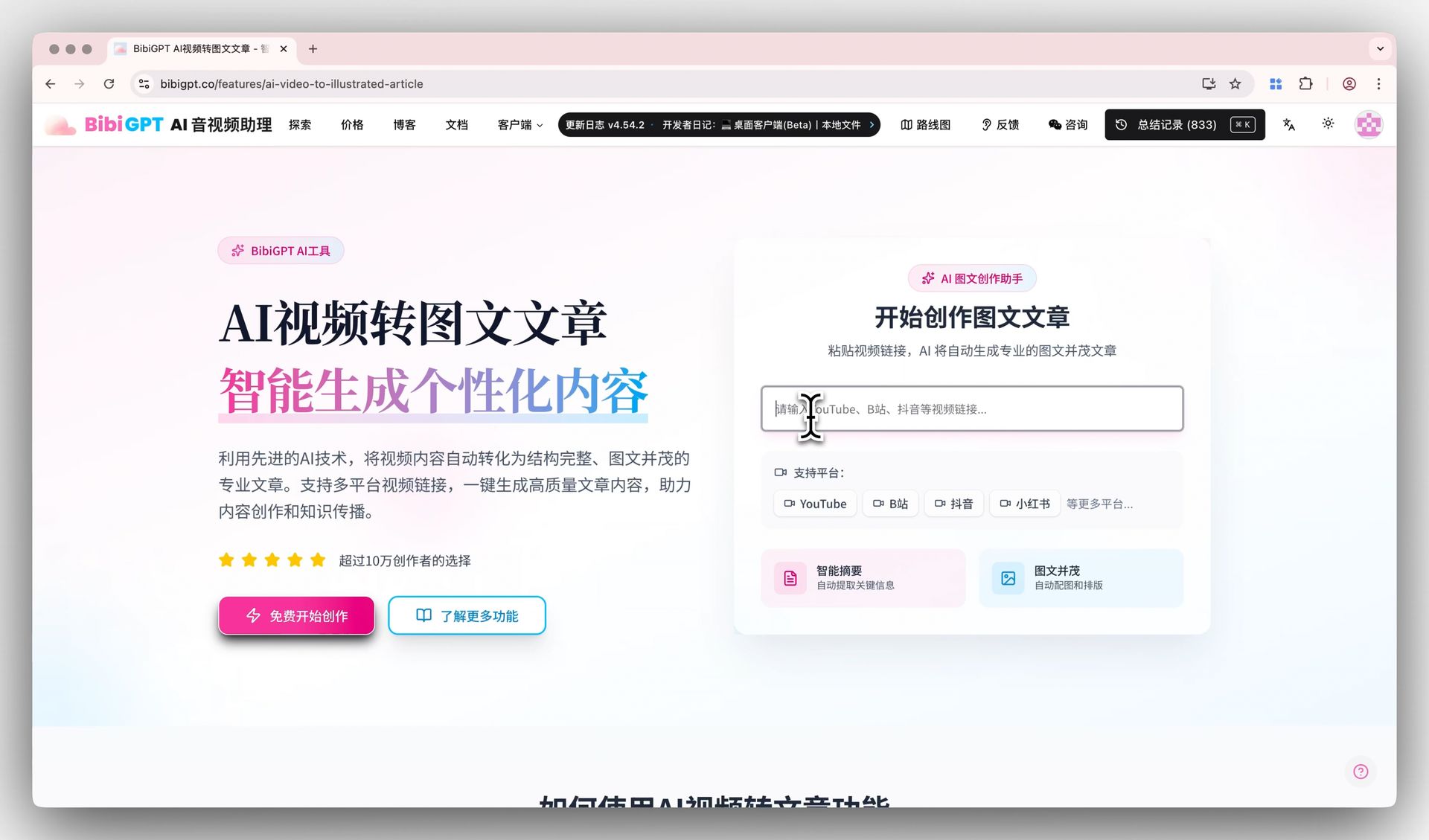
영상 대본을 글의 뼈대로 바꾸는 화면
영상을 열어보지 않을 사람에게 어떻게 전달하나요?
«남에게 전달하기»는 받는 사람에 따라 전혀 다른 일이 됩니다. 이걸 근거로 결정할 사람에겐 형식이 정해진 짧은 결론이 필요하고, 이 분야를 처음 보는 사람에겐 전문 용어를 걷어내고 순서를 다시 짠 글이 필요합니다. 아래 두 프롬프트가 각각 하나씩 맡으니 분량이 아니라 상대의 사전 지식으로 고르세요.
영상을 안 볼 사람에게 보낼 요약은 어떻게 시키나요?
영상을 열어보지 않은 채 판단해야 하는 사람에게 보내는 요약입니다. 결론 한 줄, 다루는 범위, 볼 사람, 답하지 않은 것 네 덩어리로 고정합니다. 마지막 덩어리는 대부분의 요약이 빼먹는 부분인데, 읽는 사람이 «이제 다 알았다»고 착각하는 걸 막아주는 게 바로 여기입니다.
Summarize this transcript for a busy reader who will never watch the video.

Output exactly these four blocks:
1. BOTTOM LINE - 2 sentences. The single most useful thing in the video.
2. WHAT IT COVERS - 4-6 bullets, each under 20 words.
3. WHO SHOULD WATCH - 1 sentence on who benefits, 1 sentence on who can safely skip it.
4. WHAT IT DOES NOT ANSWER - 2-3 questions a reader may arrive with that the transcript leaves open.

Rules:
- Under 250 words in total.
- Every statement must be traceable to the transcript. If something is only suggested, write "implied, not stated".
- Add no background knowledge of your own.

TRANSCRIPT:
<paste the transcript here>
전공 밖 영상을 초보자용으로 풀어 쓰게 하려면?
전공 밖 영상에서 막히는 지점은 보통 용어 네댓 개입니다. 이 프롬프트는 전문 용어 없이 다시 쓰고, 쉬운 말 용어집을 붙이고, 초보자에게 필요한 순서(영상 순서와 다를 수 있습니다)로 5~8개 문단으로 재배열한 뒤, 비유임을 명시한 비유 하나로 마무리합니다. 화자가 전제한 지식은 채워 넣지 않고 전제로 밝힙니다.
Rewrite this transcript for someone completely new to the subject.

Output:
- WHAT THIS IS ABOUT - 3 sentences, no specialist vocabulary at all.
- GLOSSARY - every specialist term the speaker uses, each explained in under 15 plain words.
- THE IDEA, STEP BY STEP - 5-8 short paragraphs, ordered the way a beginner needs them, which may differ from the order in the video.
- ONE ANALOGY - a single comparison to something ordinary, clearly labelled as an analogy.

Rules:
- Aim at a motivated 15-year-old reader.
- Where the speaker assumed background the transcript never supplies, write "the video assumes you already know X" rather than filling the gap yourself.
- No sentence longer than 25 words.

TRANSCRIPT:
<paste the transcript here>
영상 내용에서 자동 생성된 확인 문제 화면
회의에서 결정과 다음 할 일을 어떻게 뽑아내나요?
회의가 끝나면 서로 다른 질문 두 개가 남습니다. 무엇을 해야 하는가, 그리고 결국 무엇이 정해졌는가. 첫 프롬프트는 담당자가 붙은 할 일 표를 주고, 둘째는 «정해진 것»과 «말만 한 것»의 경계를 긋습니다 — 녹화본이 가장 흐려 놓는 경계가 바로 그것입니다. 같은 대본에 둘 다 돌리면 후속 처리가 완성됩니다.
회의 녹화에서 할 일과 담당자를 뽑아내려면?
통화나 회의 직후에 돌리면 할 일·담당·기한·타임스탬프·확신도 표가 나옵니다. 이름이 언급되지 않은 일은 문맥으로 추측하지 않고 «unassigned»로 두게 하고, 과제처럼 들렸지만 실은 반려·보류된 항목은 따로 모읍니다. 나중에 말이 엇갈리는 지점은 대개 후자입니다.
Extract the action items from this transcript.

Return a table with the columns: Action | Owner | Due or trigger | Timestamp | Confidence

Rules:
- Owner: use the name actually spoken. If nobody was named, write "unassigned" - do not infer an owner from context.
- Due or trigger: the exact wording used, otherwise "not stated".
- Timestamp: where the action was raised. If the transcript carries no timestamps, write "n/a".
- Confidence: high (explicitly agreed) / medium (proposed, not confirmed) / low (mentioned in passing).
- Under the table add a NOT ACTIONS list: anything that sounds like a task but was rejected or postponed.
- If there are no action items, reply "No action items found" and stop. Do not manufacture any.

TRANSCRIPT:
<paste the transcript here>
회의에서 «정해진 것»과 «아직 안 정해진 것»을 어떻게 가르나요?
긴 회의의 문제는 기억이 아니라, 녹화본에서는 논의와 결정이 똑같이 보인다는 점입니다. 이 프롬프트는 결정·미결·대립으로 강제 분리하고, 아무도 결론을 말하지 않았다면 미결로 처리합니다. 중간에 흘러가서 다시 돌아오지 않은 주제도 이름을 붙여 드러냅니다.
Read this meeting transcript and separate what was settled from what was not.

Output three sections:
DECIDED - one line each: the decision, who stated it, the timestamp. Only include items where someone actually concluded something.
OPEN LOOPS - the question left hanging, who raised it, and what would close it.
DISAGREEMENTS - positions still in conflict when the topic changed. One sentence per side.

Rules:
- A topic that was merely discussed is an open loop, not a decision. Be strict about that line.
- If a topic was dropped and never revisited, say so explicitly.
- Maximum 8 items per section; if more exist, keep the most consequential and note how many you left out.
- Never assign a decision to a speaker who did not state it.

TRANSCRIPT:
<paste the transcript here>
«없으면 not stated라고 써라»가 빠진 프롬프트는 언젠가 없는 타임스탬프를 지어낸다.
강의 녹화로 어떻게 공부하나요?
녹화로 공부하는 일은 자신을 시험하는 것과 인상에 남은 문장을 남기는 것으로 갈립니다. 하나는 자료에서 회상형 문제를 만들어 내고, 다른 하나는 그대로 옮겨 적을 가치가 있는 문장을 뽑습니다. 둘 다 외부 지식으로 빈틈을 메우는 걸 금지하므로 결과는 강의 자체에 충실하게 남습니다.
강의 영상을 확인 문제로 바꾸려면?
다시 보는 것보다 떠올리는 연습이 낫고, 이 프롬프트가 그 연습을 만들어 줍니다. 강의 전체에 흩어진 서술형 8문제, 두 개념을 엮어야 풀리는 응용 4문제, 타임스탬프가 달린 정답 해설이 나옵니다. 외부 지식이 필요한 문제는 버리라고 못 박아서, 시험 대상이 모델이 아니라 강의가 됩니다.
Turn this lecture transcript into a self-test.

Produce:
A. 8 recall questions (short answer) spread across the whole lecture, not only the opening third.
B. 4 application questions that require combining two ideas from the lecture.
C. An answer key. Each answer paraphrases the transcript and cites the timestamp it came from.

Rules:
- Every question must be answerable from the transcript alone. Delete any question that needs outside knowledge.
- Mark anything the speaker called important or exam-relevant with [flagged by speaker].
- Keep each answer under 40 words.
- If the transcript is too thin for 12 questions, produce fewer and say how many the material actually supports.

TRANSCRIPT:
<paste the transcript here>
영상에서 인용할 만한 문장을 찾으려면?
영상을 글이나 게시물로 재가공할 때 진짜 위험은 인용 왜곡입니다. 단독으로 뜻이 통하는 문장 8~12개를 타임스탬프와 «왜 이 문장이 남는지» 한 줄과 함께 돌려줍니다. 군더더기는 줄임표를 남기고 지울 수 있지만 표현을 다듬는 건 금지이고, 맥락을 떼면 뜻이 달라지는 문장은 별도 칸으로 격리됩니다.
Pull the most quotable lines out of this transcript.

Return 8-12 quotes. For each: the quote verbatim, its timestamp, and one line on why it lands (surprising, contrarian, unusually concrete, memorable phrasing).

Rules:
- Verbatim means verbatim. You may cut filler words and mark the cut with "...", but never rewrite, smooth or improve the wording.
- Each quote must stand on its own without the surrounding context.
- Skip anything shorter than 6 words or longer than 40.
- If a line changes meaning once removed from its context, do not list it as a quote - put it under CONTEXT-DEPENDENT instead.

TRANSCRIPT:
<paste the transcript here>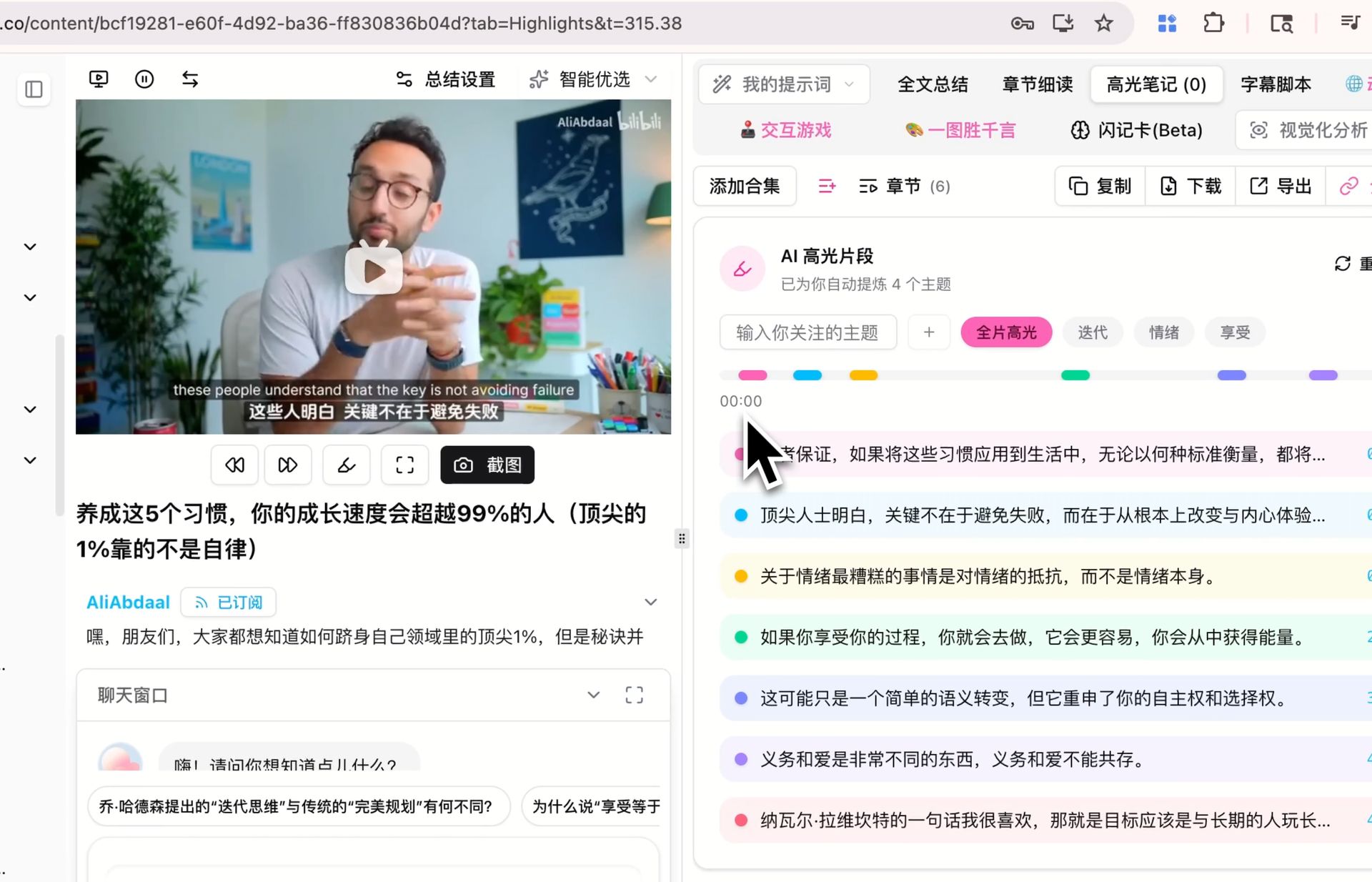
영상에서 인용할 문장을 표시하고 뽑아내는 화면
영상에서 실제로 무슨 말을 했는지 어떻게 확인하나요?
영상 속 내용을 인용하거나 퍼뜨리기 전에 두 번은 돌려볼 만합니다. 먼저 숫자를 뽑고, 다음으로 확인이 필요한 주장을 나열하세요. 두 프롬프트 모두 참·거짓을 판정할 수 없고 말하지 않은 숫자를 만들 수도 없습니다. 목표는 하나씩 대조할 수 있는 목록이지, 원래 결론 위에 얹는 두 번째 결론이 아니기 때문입니다.
영상 속 숫자만 타임스탬프와 함께 뽑아내려면?
실적 발표나 리서치 영상에서 필요한 건 대개 숫자뿐입니다. 숫자 하나를 한 줄로 만들어 원문 인용, 무엇을 재는 값인지, 타임스탬프, 출처 언급 여부를 함께 붙입니다. 반올림도 단위 환산도 하지 않고 화자가 쓴 «대략» 같은 표현도 그대로 남깁니다.
Extract every quantitative claim from this transcript.

One row each: Figure | Exact quote | What it measures | Timestamp | Source named? (yes: <source> / no)

Rules:
- Include numbers, percentages, dates, durations, amounts of money, counts and rankings.
- Quote the figure exactly as spoken. Do not round, convert units or normalize currencies.
- Keep any hedge the speaker used ("roughly", "about", "up to").
- Add no figure that is not spoken in the transcript, and do no arithmetic of your own.
- After the table, list under CHECK THESE any figure with no named source or that looks implausible, with one line saying why.

TRANSCRIPT:
<paste the transcript here>
공유하기 전에 확인이 필요한 주장을 추려내려면?
이 프롬프트는 참·거짓을 판정하지 않습니다. 확인이 필요한 주장을 원문 인용·타임스탬프·유형·검증 방법·틀렸을 때의 위험과 함께 위험 순으로 나열할 뿐입니다. 모델 자신의 지식으로 판단하지 못하게 막는 게 핵심이고, 그래야 또다시 검증이 필요한 2차 결론이 아니라 그대로 처리할 수 있는 확인 목록이 남습니다.
Do not fact-check this transcript. Instead, build the list of things that WOULD need checking.

One row per checkable claim: Claim (one sentence) | Exact quote | Timestamp | Type (statistic / causal / attribution / prediction / definition) | How to verify it, in one line | Risk if wrong (high / medium / low)

Rules:
- Only falsifiable claims qualify. Tastes and preferences do not; predictions about measurable outcomes do.
- Do not say whether a claim is true or false, and do not use your own knowledge to judge it.
- If a claim is attributed to a study, person or report, put that attribution in the quote column exactly as spoken.
- Sort by risk, highest first. Maximum 15 rows.

TRANSCRIPT:
<paste the transcript here>
영상을 다른 결과물로 어떻게 바꾸나요?
다시 쓰는 방식은 둘입니다. 한 편을 다른 형식으로 옮기거나, 두 편을 맞대어 보거나. 첫 프롬프트는 근거가 붙은 글의 뼈대를 주고, 둘째는 두 대본의 합의점과 충돌점을 펼쳐 놓습니다. 둘 다 원본에 없는 근거를 보태는 것은 거부합니다.
강연을 글의 목차로 바꾸려면?
강연을 글로 옮길 때 막히는 건 문장력이 아니라 구조입니다. 제목 후보 3개, 도입 문단, 그리고 «주제»가 아니라 «주장» 형태의 소제목 5~7개가 타임스탬프 근거와 함께 나옵니다. 가장 쓸모 있는 건 마지막 GAPS 목록, 즉 강연에는 없지만 글에는 반드시 필요한 데이터와 반론입니다.
Turn this talk transcript into an outline for a written article.

Output:
- 3 candidate titles, each under 12 words.
- A lead paragraph of 60-80 words stating the article's argument.
- 5-7 section headings, each phrased as a claim rather than a topic label.
- Under each heading, 2-3 bullets of supporting material taken from the transcript, with timestamps.
- A GAPS list: what the article still needs that the talk does not supply (data, counterargument, example).

Rules:
- Invent no supporting evidence. Every bullet must exist in the transcript.
- Keep the speaker's argument, not your own opinion.

TRANSCRIPT:
<paste the transcript here>
같은 주제의 영상 두 편을 비교하려면?
같은 주제를 두 사람이 다르게 말할 때 그 차이를 눈에 보이게 만듭니다. 합의점, 이견, 한쪽에만 있는 내용, 어느 쪽을 볼지 네 부분으로 나누고 누구 발언인지 반드시 표기하게 합니다. «표현만 다르고 실질적 이견인지 불분명»이라고 쓸 여지를 준 덕분에 억지 대립이 대부분 사라집니다.
You are given two transcripts on the same topic, labelled A and B.

Output:
1. AGREE - points both make, one line each, with a timestamp from each side.
2. DISAGREE - A's position, B's position, and the evidence each one offers.
3. ONLY IN A / ONLY IN B - what one covers that the other never raises.
4. WHICH TO WATCH - 3 sentences: for which reader, which video, and why.

Rules:
- Never merge the two into a single voice. Always attribute.
- A point that appears in only one transcript does not belong in AGREE.
- Where you cannot tell whether they truly disagree or merely word things differently, write "wording differs, substance unclear".

TRANSCRIPT A:
<paste transcript A here>

TRANSCRIPT B:
<paste transcript B here>
대본을 대화창에 붙여넣고 이어서 질문하는 모습
내 업무에 맞게 어떻게 손보나요?
세 군데만 바꾸면 됩니다. 분량 상한, 블록 이름(팀에서 쓰는 표현으로), 표의 열(«관련 프로젝트»나 티켓 번호 추가). 대신 각 프롬프트 끝의 제약은 건드리지 마세요. 실재하는 타임스탬프만, 추측 대신 not stated, 외부 지식 금지 — 결과물을 손보지 않고 바로 쓸 수 있는 이유가 이 세 줄입니다.
열두 개 중 매주 쓰는 건 많아야 셋이다. 그 셋부터 고정하자.
이 글을 즐겨찾기 하는 것보다, 자주 쓰는 몇 개를 두 글자 단축어와 함께 스니펫으로 저장해 두는 편이 실제 사용을 좌우합니다. 세 개가 습관이 된 다음에 네 번째를 더하는 쪽이, 처음부터 열두 개를 다 굴리려는 것보다 오래갑니다.
인기 도구