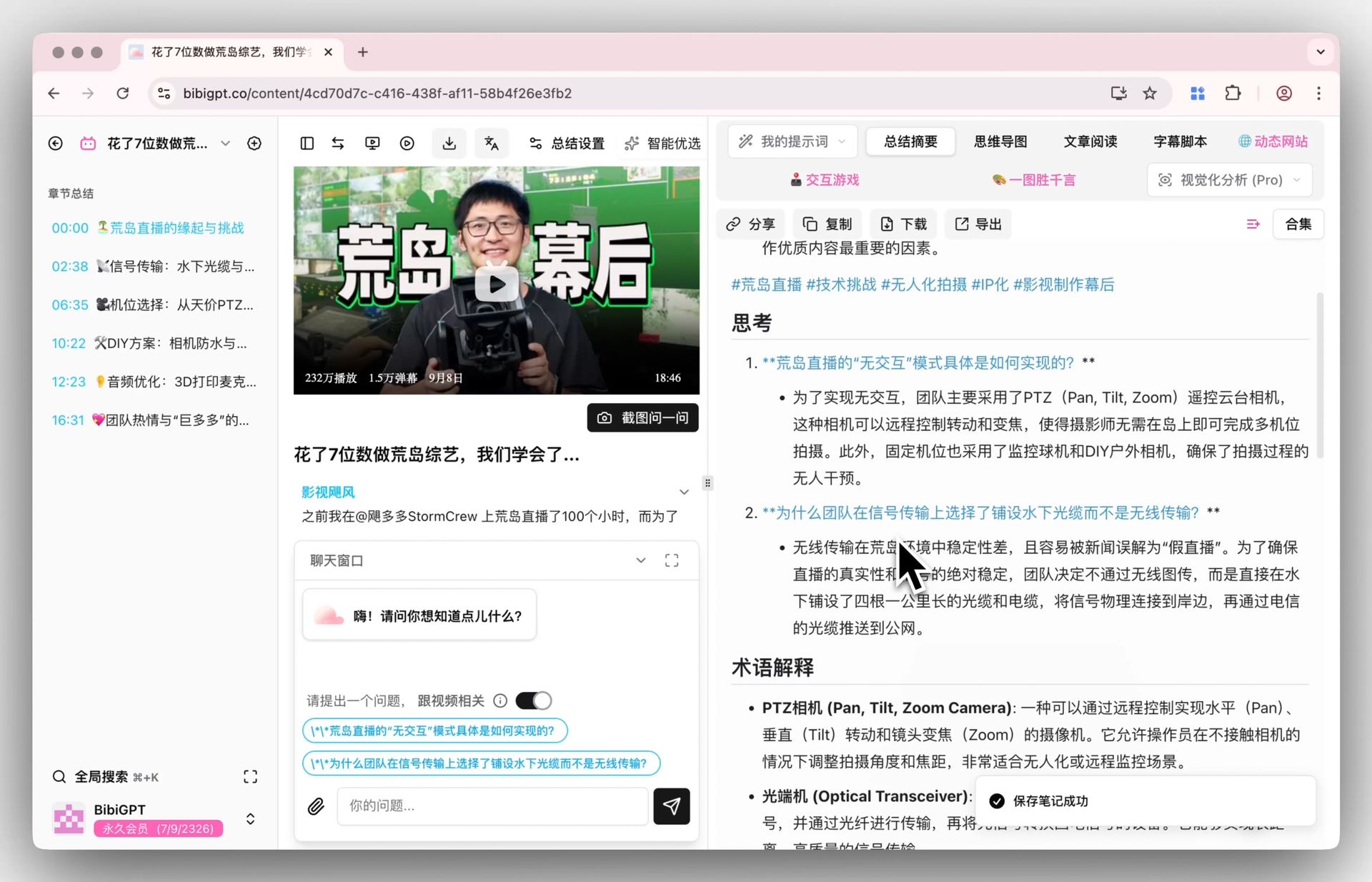
Prompt per riassumere video: 12 modelli da copiare e incollare (2026)

La differenza fra un riassunto video inutile e uno utilizzabile non è lo strumento in cui incolli la trascrizione, ma un prompt che fissa la struttura dell’output, mette un tetto alla lunghezza e impone di scrivere « not stated » invece di inventare. Qui sotto trovi dodici prompt, uno per ogni compito, tutti in un blocco copiabile con un clic.
Il testo dei prompt resta in inglese in tutte le lingue, ed è voluto: è quello che incolli davvero, e le istruzioni in inglese si comportano in modo più prevedibile nei vari strumenti di chat. Se vuoi la risposta in italiano, basta aggiungere una riga che lo chieda.
Tre passaggi: procurati la trascrizione, copia un prompt, sostituisci <paste the transcript here> in fondo con il tuo testo. Se la trascrizione non ce l’hai, incolla il link del video su BibiGPT per ottenerne una versione testuale con marche temporali, da portare poi nello strumento di chat che già usi.
Un prompt vale non per quanto suona bene, ma per quanto vincola la forma della risposta.
Quando puoi, parti da una trascrizione con marche temporali. Metà di questi prompt chiede di citarle e, se mancano, l’output si riduce a « n/a »: perdi la possibilità di tornare al punto esatto e controllare. Su testo semplice funzionano comunque, ma il risultato diventa molto meno verificabile.
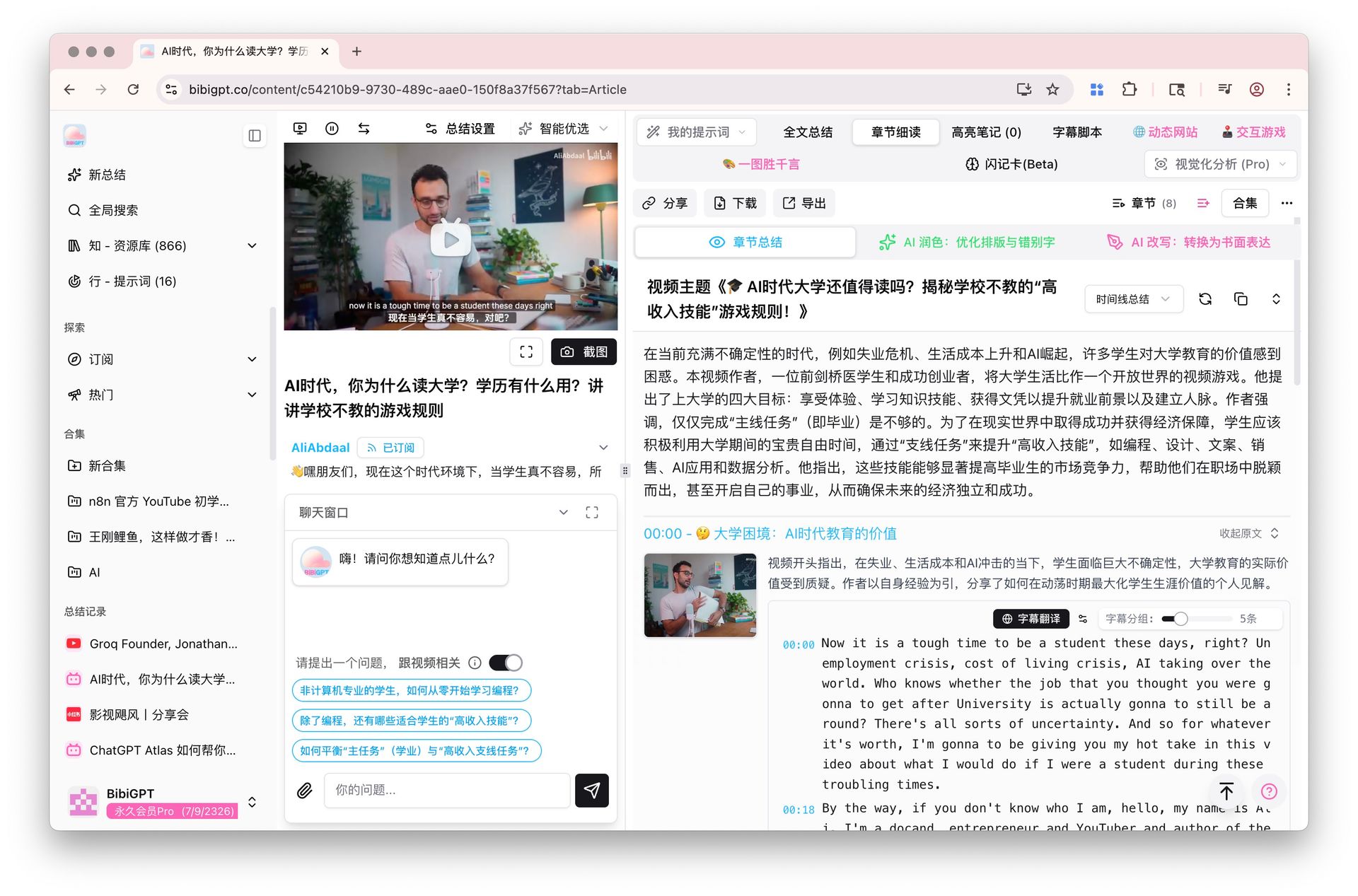
Trascrizione con marche temporali accanto a una lettura per capitoli
Come ci si orienta in un video lungo?
Se ne occupano due prompt: uno trasforma la trascrizione in un indice per saltare, l’altro comprime una guida pratica in passaggi numerati. Usali quando il video è lungo e la prossima ora merita di meglio che una visione integrale. Entrambi reggono sulla stessa regola: solo marche temporali vere, mai inventate.
Come ottenere una scaletta del video con le marche temporali?
Lancia prima questo, poi decidi se e da dove guardare. Restituisce da 6 a 12 sezioni con marca temporale e una riga di descrizione ciascuna: di fatto un indice per saltare nel video. La regola portante è « usa solo le marche temporali presenti nella trascrizione »; senza, spunta volentieri un credibilissimo 00:14:32 che non porta da nessuna parte.
You are given a video transcript with timestamps. Build a navigable outline of it.

Rules:
- Produce 6-12 sections. A section is one topic shift, not one paragraph.
- Format every line as: [HH:MM:SS] Section title - one sentence on what is covered.
- Use ONLY timestamps that appear in the transcript. Never estimate, interpolate or invent one. If a section starts where no timestamp is marked, write [time not marked] instead of guessing.
- Titles must be specific ("Why the 2019 pricing change backfired"), never generic ("Introduction", "Key points").
- End with one line: "Longest section: <title> (~<minutes> min)".
- Under 300 words. No preamble, no closing remarks.

TRANSCRIPT:
<paste the transcript here>
Come trasformare un tutorial in una lista di passaggi?
Trascinare avanti e indietro la barra di riproduzione è il modo più lento di seguire un tutorial. Questo prompt lo comprime in passaggi numerati, un’azione per passaggio, con ogni valore, comando e percorso di menu pronunciato ricopiato carattere per carattere fra parentesi quadre. Ciò che appare solo a schermo senza essere detto viene segnalato invece che indovinato, e in coda arrivano prerequisiti, punti di controllo e una nota sui passaggi che dipendono dalla versione.
Convert this tutorial transcript into a checklist someone can follow without watching.

Output numbered steps. Each step is one imperative action, followed in brackets by any exact value, setting, command or menu path that was spoken.

Rules:
- One action per step. Split any step that contains "and then".
- Copy values, names, paths and commands character for character. If something was only shown on screen and never spoken, write [shown on screen, not stated] - never guess it.
- After the steps add PREREQUISITES (what you need before step 1) and CHECKPOINTS (how you know each phase worked, quoting what the tutorial says you should see).
- Finish with one line: "Steps that may depend on the version you are using: ...".

TRANSCRIPT:
<paste the transcript here>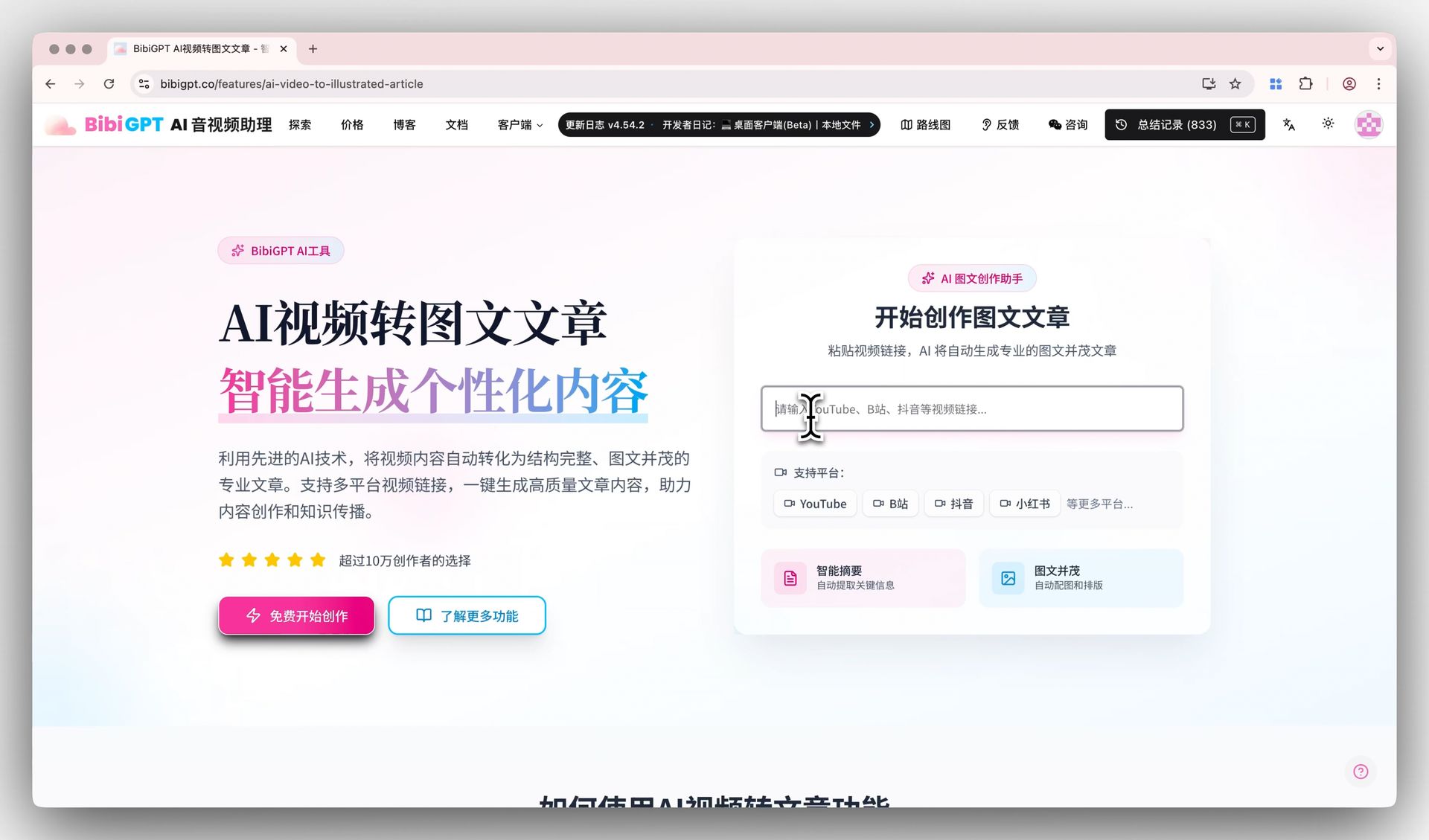
Una trascrizione video trasformata in scaletta di un articolo
Come si spiega il video a chi non lo guarderà?
Mettere qualcuno al corrente sono due lavori diversi, a seconda di chi riceve. Chi deciderà sulla base del video vuole una conclusione breve e strutturata; chi non conosce l’argomento vuole il gergo tolto e l’ordine rifatto. I due prompt coprono un caso ciascuno: scegli in base a quanto ne sa il lettore, non in base alla lunghezza.
Come riassumere un video per chi non lo guarderà mai?
È il riassunto da mandare a chi deciderà sulla base del video senza aprirlo. Fissa quattro blocchi: la conclusione, che cosa copre, chi dovrebbe guardarlo e a che cosa non risponde. L’ultimo blocco manca quasi sempre negli altri riassunti ed è proprio quello che impedisce al lettore di credere di sapere ormai tutto.
Summarize this transcript for a busy reader who will never watch the video.

Output exactly these four blocks:
1. BOTTOM LINE - 2 sentences. The single most useful thing in the video.
2. WHAT IT COVERS - 4-6 bullets, each under 20 words.
3. WHO SHOULD WATCH - 1 sentence on who benefits, 1 sentence on who can safely skip it.
4. WHAT IT DOES NOT ANSWER - 2-3 questions a reader may arrive with that the transcript leaves open.

Rules:
- Under 250 words in total.
- Every statement must be traceable to the transcript. If something is only suggested, write "implied, not stated".
- Add no background knowledge of your own.

TRANSCRIPT:
<paste the transcript here>
Come farsi spiegare da zero un video fuori dal proprio campo?
Fuori dal proprio campo ci si blocca quasi sempre su quattro o cinque termini. Questo prompt riscrive il contenuto senza alcun lessico specialistico, aggiunge un glossario in parole semplici, riordina la materia in 5-8 brevi passaggi nell’ordine che serve a un principiante (non per forza quello del video) e chiude con un paragone dichiarato apertamente come analogia. Dove chi parla dà per acquisito qualcosa, lo dichiara invece di colmare il vuoto da sé.
Rewrite this transcript for someone completely new to the subject.

Output:
- WHAT THIS IS ABOUT - 3 sentences, no specialist vocabulary at all.
- GLOSSARY - every specialist term the speaker uses, each explained in under 15 plain words.
- THE IDEA, STEP BY STEP - 5-8 short paragraphs, ordered the way a beginner needs them, which may differ from the order in the video.
- ONE ANALOGY - a single comparison to something ordinary, clearly labelled as an analogy.

Rules:
- Aim at a motivated 15-year-old reader.
- Where the speaker assumed background the transcript never supplies, write "the video assumes you already know X" rather than filling the gap yourself.
- No sentence longer than 25 words.

TRANSCRIPT:
<paste the transcript here>
Domande di autoverifica generate da un video
Come si ricavano decisioni e prossimi passi da una riunione?
Dopo una riunione restano due domande separate: che cosa va fatto e che cosa è stato davvero deciso. Il primo prompt restituisce le azioni con i responsabili, il secondo traccia il confine fra deciso e semplicemente discusso, cioè proprio il confine che la registrazione confonde. Applicali entrambi alla stessa trascrizione e il seguito è completo.
Come estrarre azioni e responsabili da una riunione registrata?
Lanciato subito dopo una riunione produce una tabella con azione, responsabile, scadenza, marca temporale e grado di certezza. Vieta di dedurre il responsabile dal contesto — se nessun nome è stato detto scrive « unassigned » — e tiene a parte ciò che sembrava un compito ma è stato respinto o rinviato. È da quella seconda lista che nascono i malintesi.
Extract the action items from this transcript.

Return a table with the columns: Action | Owner | Due or trigger | Timestamp | Confidence

Rules:
- Owner: use the name actually spoken. If nobody was named, write "unassigned" - do not infer an owner from context.
- Due or trigger: the exact wording used, otherwise "not stated".
- Timestamp: where the action was raised. If the transcript carries no timestamps, write "n/a".
- Confidence: high (explicitly agreed) / medium (proposed, not confirmed) / low (mentioned in passing).
- Under the table add a NOT ACTIONS list: anything that sounds like a task but was rejected or postponed.
- If there are no action items, reply "No action items found" and stop. Do not manufacture any.

TRANSCRIPT:
<paste the transcript here>
Come distinguere ciò che una riunione ha deciso da ciò che ha solo discusso?
Il problema delle riunioni lunghe non è la memoria: nella registrazione una discussione somiglia in tutto a una decisione. Questo prompt separa rigidamente deciso, questioni aperte e disaccordi ancora vivi, e se nessuno ha enunciato una conclusione il punto resta aperto. Segnala anche gli argomenti lasciati cadere e mai più ripresi.
Read this meeting transcript and separate what was settled from what was not.

Output three sections:
DECIDED - one line each: the decision, who stated it, the timestamp. Only include items where someone actually concluded something.
OPEN LOOPS - the question left hanging, who raised it, and what would close it.
DISAGREEMENTS - positions still in conflict when the topic changed. One sentence per side.

Rules:
- A topic that was merely discussed is an open loop, not a decision. Be strict about that line.
- If a topic was dropped and never revisited, say so explicitly.
- Maximum 8 items per section; if more exist, keep the most consequential and note how many you left out.
- Never assign a decision to a speaker who did not state it.

TRANSCRIPT:
<paste the transcript here>
Ogni prompt che non impone di scrivere « not stated » prima o poi ti inventerà una marca temporale.
Come si studia su una lezione registrata?
Studiare su una registrazione si divide in due: mettersi alla prova e conservare ciò che ha colpito. Un prompt costruisce domande di richiamo dal materiale, l’altro estrae le frasi che vale la pena annotare parola per parola. A nessuno dei due è concesso colmare i vuoti con conoscenze esterne, così restano entrambi fedeli alla lezione.
Come trasformare una lezione in domande d’esame?
Richiamare alla memoria batte riguardare, e questo prompt costruisce l’esercizio: otto domande a risposta breve distribuite su tutta la lezione, quattro domande applicative che costringono a unire due concetti e un solutore con marche temporali. Ogni domanda che richieda conoscenze esterne viene scartata, così si misura la lezione e non il modello.
Turn this lecture transcript into a self-test.

Produce:
A. 8 recall questions (short answer) spread across the whole lecture, not only the opening third.
B. 4 application questions that require combining two ideas from the lecture.
C. An answer key. Each answer paraphrases the transcript and cites the timestamp it came from.

Rules:
- Every question must be answerable from the transcript alone. Delete any question that needs outside knowledge.
- Mark anything the speaker called important or exam-relevant with [flagged by speaker].
- Keep each answer under 40 words.
- If the transcript is too thin for 12 questions, produce fewer and say how many the material actually supports.

TRANSCRIPT:
<paste the transcript here>
Come trovare le frasi citabili di un video?
Chi rilavora i video in contenuti scritti rischia soprattutto la citazione storpiata. Questo prompt restituisce da 8 a 12 frasi autonome con marca temporale e una riga sul perché funzionano, sotto una regola rigida di letteralità: puoi togliere le parole di riempimento segnalando il taglio con i puntini, mai migliorare la formulazione. Le frasi che cambiano senso fuori contesto finiscono in un elenco separato.
Pull the most quotable lines out of this transcript.

Return 8-12 quotes. For each: the quote verbatim, its timestamp, and one line on why it lands (surprising, contrarian, unusually concrete, memorable phrasing).

Rules:
- Verbatim means verbatim. You may cut filler words and mark the cut with "...", but never rewrite, smooth or improve the wording.
- Each quote must stand on its own without the surrounding context.
- Skip anything shorter than 6 words or longer than 40.
- If a line changes meaning once removed from its context, do not list it as a quote - put it under CONTEXT-DEPENDENT instead.

TRANSCRIPT:
<paste the transcript here>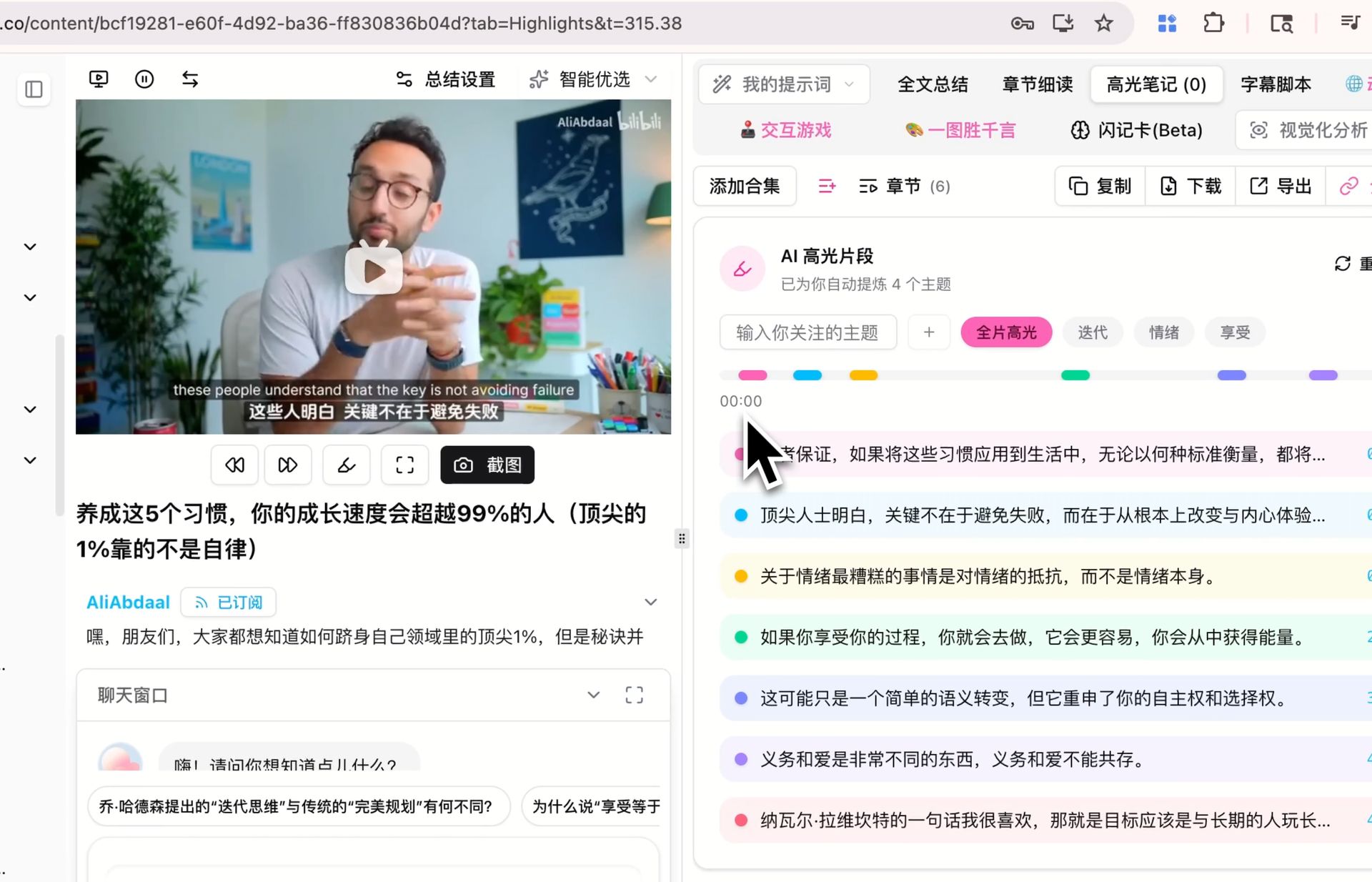
Evidenziazione ed estrazione delle frasi citabili di un video
Come si verifica che cosa è stato davvero affermato?
Prima di citare o rilanciare qualcosa preso da un video, valgono due passaggi: prima tirare fuori le cifre, poi elencare ciò che va verificato. Nessuno dei due prompt può giudicare il vero né produrre un numero mai pronunciato: serve un elenco controllabile, non un secondo strato di opinioni sopra il primo.
Come estrarre solo i numeri, con le marche temporali?
Nelle presentazioni di risultati e nelle analisi di mercato quasi sempre servono solo i numeri. Questo prompt mette ogni cifra su una riga con la citazione esatta, che cosa misura, la marca temporale e se è stata nominata una fonte. Le cifre si riportano tali e quali: niente arrotondamenti, niente conversioni di unità, e il « circa » di chi parla resta dov’è.
Extract every quantitative claim from this transcript.

One row each: Figure | Exact quote | What it measures | Timestamp | Source named? (yes: <source> / no)

Rules:
- Include numbers, percentages, dates, durations, amounts of money, counts and rankings.
- Quote the figure exactly as spoken. Do not round, convert units or normalize currencies.
- Keep any hedge the speaker used ("roughly", "about", "up to").
- Add no figure that is not spoken in the transcript, and do no arithmetic of your own.
- After the table, list under CHECK THESE any figure with no named source or that looks implausible, with one line saying why.

TRANSCRIPT:
<paste the transcript here>
Come elencare le affermazioni da verificare prima di condividere?
Attenzione a che cosa questo prompt non fa: non giudica nulla. Fa emergere ogni affermazione verificabile con citazione, marca temporale, tipo, una riga su come controllarla e un livello di rischio, ordinate dal rischio più alto. Vietargli di stabilire il vero e il falso è proprio il punto: ottieni un elenco da lavorare, non un secondo strato di affermazioni che andrebbe verificato a sua volta.
Do not fact-check this transcript. Instead, build the list of things that WOULD need checking.

One row per checkable claim: Claim (one sentence) | Exact quote | Timestamp | Type (statistic / causal / attribution / prediction / definition) | How to verify it, in one line | Risk if wrong (high / medium / low)

Rules:
- Only falsifiable claims qualify. Tastes and preferences do not; predictions about measurable outcomes do.
- Do not say whether a claim is true or false, and do not use your own knowledge to judge it.
- If a claim is attributed to a study, person or report, put that attribution in the quote column exactly as spoken.
- Sort by risk, highest first. Maximum 15 rows.

TRANSCRIPT:
<paste the transcript here>
Come si trasforma un video in qualcos’altro?
Riusare significa o riscrivere un video in un altro formato o mettere due video a confronto. Il primo prompt produce una scaletta d’articolo con le prove allegate, il secondo mappa accordi e conflitti fra due trascrizioni. Entrambi si rifiutano di aggiungere sostegni che nella fonte non ci sono.
Come trasformare un intervento in una scaletta d’articolo?
Trasformare un intervento in un articolo è un problema di struttura, non di scrittura. Ottieni tre titoli possibili, un cappello introduttivo e da 5 a 7 sottotitoli formulati come tesi anziché come etichette tematiche, ciascuno sostenuto da materiale con marca temporale. La parte più utile è l’elenco GAPS finale: i dati e le obiezioni che l’intervento non fornisce ma che l’articolo richiederà.
Turn this talk transcript into an outline for a written article.

Output:
- 3 candidate titles, each under 12 words.
- A lead paragraph of 60-80 words stating the article's argument.
- 5-7 section headings, each phrased as a claim rather than a topic label.
- Under each heading, 2-3 bullets of supporting material taken from the transcript, with timestamps.
- A GAPS list: what the article still needs that the talk does not supply (data, counterargument, example).

Rules:
- Invent no supporting evidence. Every bullet must exist in the transcript.
- Keep the speaker's argument, not your own opinion.

TRANSCRIPT:
<paste the transcript here>
Come confrontare due video sullo stesso argomento?
Quando due persone trattano lo stesso tema in modo diverso, questo prompt rende leggibile la distanza. Divide in accordi, disaccordi, contenuti esclusivi di ciascuno e tre frasi su « quale guardare ». L’attribuzione è obbligatoria e il modello può scrivere « formulazione diversa, sostanza non chiara »: è la riga che elimina la maggior parte dei contrasti costruiti a tavolino.
You are given two transcripts on the same topic, labelled A and B.

Output:
1. AGREE - points both make, one line each, with a timestamp from each side.
2. DISAGREE - A's position, B's position, and the evidence each one offers.
3. ONLY IN A / ONLY IN B - what one covers that the other never raises.
4. WHICH TO WATCH - 3 sentences: for which reader, which video, and why.

Rules:
- Never merge the two into a single voice. Always attribute.
- A point that appears in only one transcript does not belong in AGREE.
- Where you cannot tell whether they truly disagree or merely word things differently, write "wording differs, substance unclear".

TRANSCRIPT A:
<paste transcript A here>

TRANSCRIPT B:
<paste transcript B here>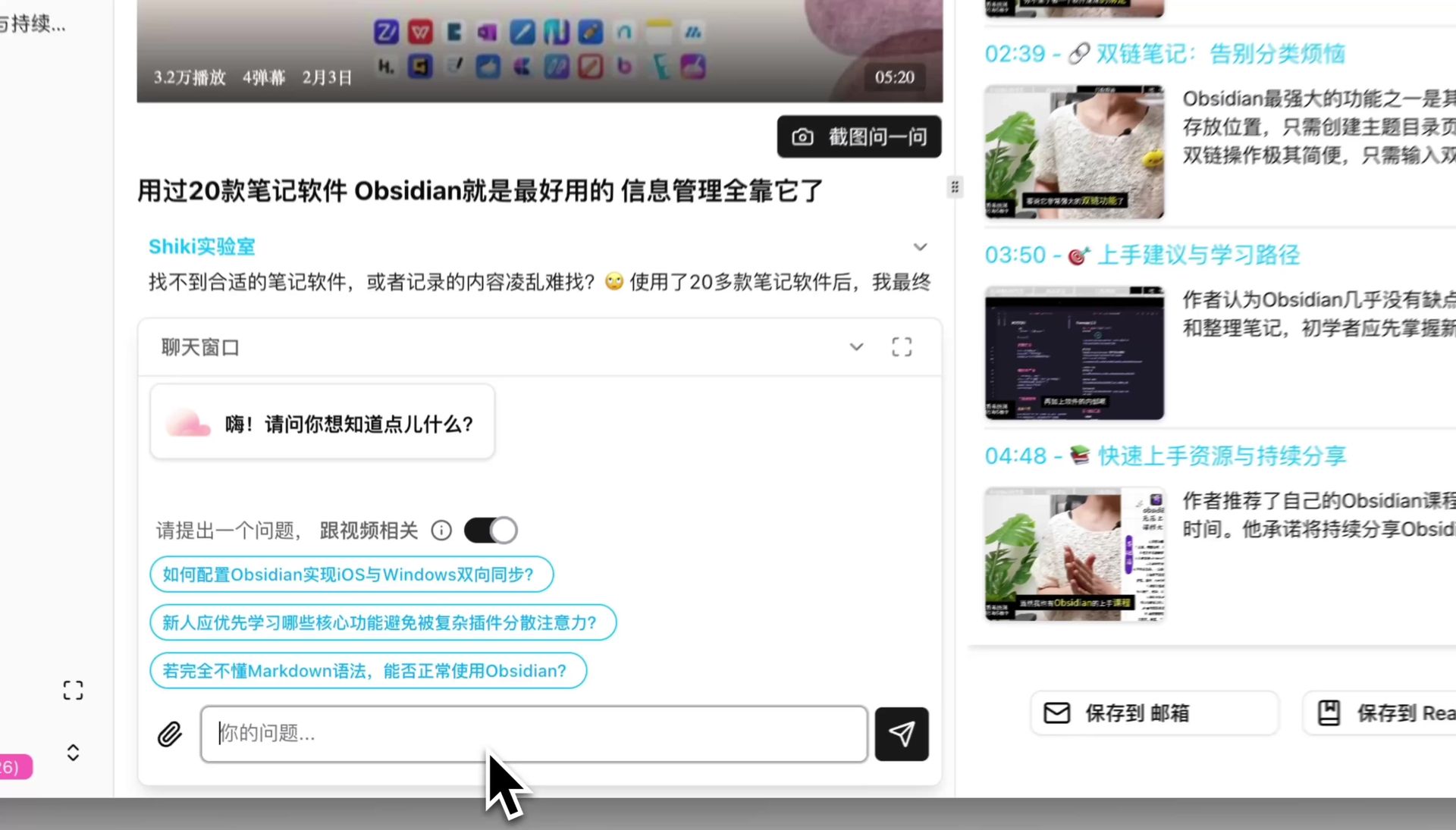
Trascrizione incollata in una finestra di chat per porre domande
Come adattarli al proprio lavoro?
Cambia tre cose: i limiti di lunghezza, i nomi dei blocchi (usa le parole che già girano nel tuo team) e le colonne della tabella (aggiungi « progetto » o il numero di ticket). Non toccare invece i vincoli finali: solo marche temporali reali, « not stated » al posto di una supposizione, nessuna conoscenza esterna. Sono quelle tre righe a rendere il risultato utilizzabile senza una seconda passata.
Di questi dodici ne userai forse tre ogni settimana: fissa prima quei tre.
Salva i tuoi preferiti come frammenti di testo con una sigla di due lettere, invece di mettere questa pagina fra i preferiti: è quello a decidere se li userai davvero. Aggiungi il quarto solo quando i primi tre sono diventati abitudine; adottarli tutti insieme raramente supera la seconda settimana.
Popular tools
More in this series
- AI Competitive Intelligence Workflow: Build Industry Monitoring with BibiGPT Video Summaries
- Lessons From Shipping BiliGPT: Two Cold-Start Growth Tactics Behind a GPT-3 Side Project
- [BibiGPT Growth Series] Episode 1 | How AI Summaries for Bilibili Were Born
- BibiGPT Advanced Guide 2026: Download + AI-Summarize Videos from WeChat Channels, RedNote, TikTok, and Enterprise Intranet Sites
- Chat with Any Video: How to Ask AI Questions About Videos Instead of Watching the Whole Thing (2026)