What Is Tencent WorkBuddy: Local AI Office Agent Guide (2026)

You open your laptop to this morning’s meeting recording, a weekly report due before you leave, and a boss ping that says “turn this into a PPT.” You used to grind through that list by hand. A new class of tools now claims it can finish the whole chain in one go — Tencent’s WorkBuddy, launched in March 2026, is one of them.
This is not just another AI assistant. It is a signal about whether AI can actually take over everyday office workflows. Most write-ups copy the press release, list features, and stop. They never explain how to use it, and they never say what it still cannot do. This guide covers both.
What WorkBuddy is: a local office agent in 30 seconds
WorkBuddy is an AI office agent in Tencent’s CodeBuddy family. It launched on March 9, 2026, and its headline is local execution: it runs on your own computer, can plan and deliver multi-step work such as building a PPT or writing a report, and can run several agents in parallel. Official entry: Tencent WorkBuddy.
Unlike a chatbot that only answers questions, an agent takes a goal, breaks it into steps, calls tools, and hands you a finished artifact. WorkBuddy comes from Tencent’s CodeBuddy line: it moved agent capabilities built for developers into general office work.
One rumor to kill early: WorkBuddy is not “replacing Tencent Yuanbao as the core.” As of mid-2026 Tencent is running several products in parallel — Hunyuan as the model engine, Yuanbao as the consumer chat entry, CodeBuddy for developers, WorkBuddy for office work, plus QClaw and Marvis. WorkBuddy is the piece that actually does office tasks.
Practical rule: Before you ask whether an AI agent can write your PPT, ask whether it can even read the format you already work in.
How to use WorkBuddy: five models, skill packs, enterprise connectors
WorkBuddy usage splits into three capabilities. Once you see those three, you know where it belongs in a workflow.
First, free switching across five models. Per the official Tencent page, WorkBuddy lets you switch among Hunyuan, DeepSeek, GLM, Kimi, and MiniMax. Pick a stronger reasoner for code-like work, a stronger writer for copy, all inside the same tool.
Second, built-in skills and enterprise connectors. WorkBuddy ships 20+ “skill packs” you can add without writing a line of code. It also connects directly to WeCom, QQ, Lark (Feishu), and DingTalk, so agent output lands back in the tools you already use. For enterprise users it includes security audit.
Third, local execution plus parallel agents. Tasks run on your machine. Several agents can push different sub-tasks at once — one researching, one outlining, one laying out slides — then merge into a report or PPT.
| Capability | What WorkBuddy does | Why it matters |
|---|---|---|
| Models | Switch among Hunyuan / DeepSeek / GLM / Kimi / MiniMax | Pick the right “brain” per task |
| Extensions | 20+ built-in skill packs, no code | Non-developers can add capabilities |
| Connectors | WeCom / QQ / Lark / DingTalk | Output flows back into daily tools |
| Execution | Local, multi-agent parallel | Data stays on-device; work runs faster |
| Jobs | Auto PPT and reports | Takes over repetitive document production |
What WorkBuddy can do for you — and where it stalls
Map those capabilities onto real people and both the value and the edge become clear.
For office workers, the immediate win is automating “turn a pile of material into a document you can submit” — weekly reports, competitor briefs, a second pass on meeting notes. For ops and product, it can pull scattered info from enterprise tools into a first draft. For founders and small teams, one person covers half an assistant role.
Almost every office agent of this generation shares a blind spot: they assume the input is text. The two-hour meeting recording, the industry podcast, the competitor livestream, the online course — the agent cannot read those. It can turn an already-text brief into a PPT. It cannot “watch the two-hour video first, then start.”
If you want it to watch video first, searchable transcripts are a required step — every spoken sentence becomes text you can retrieve.
This screenshot makes the contrast concrete:
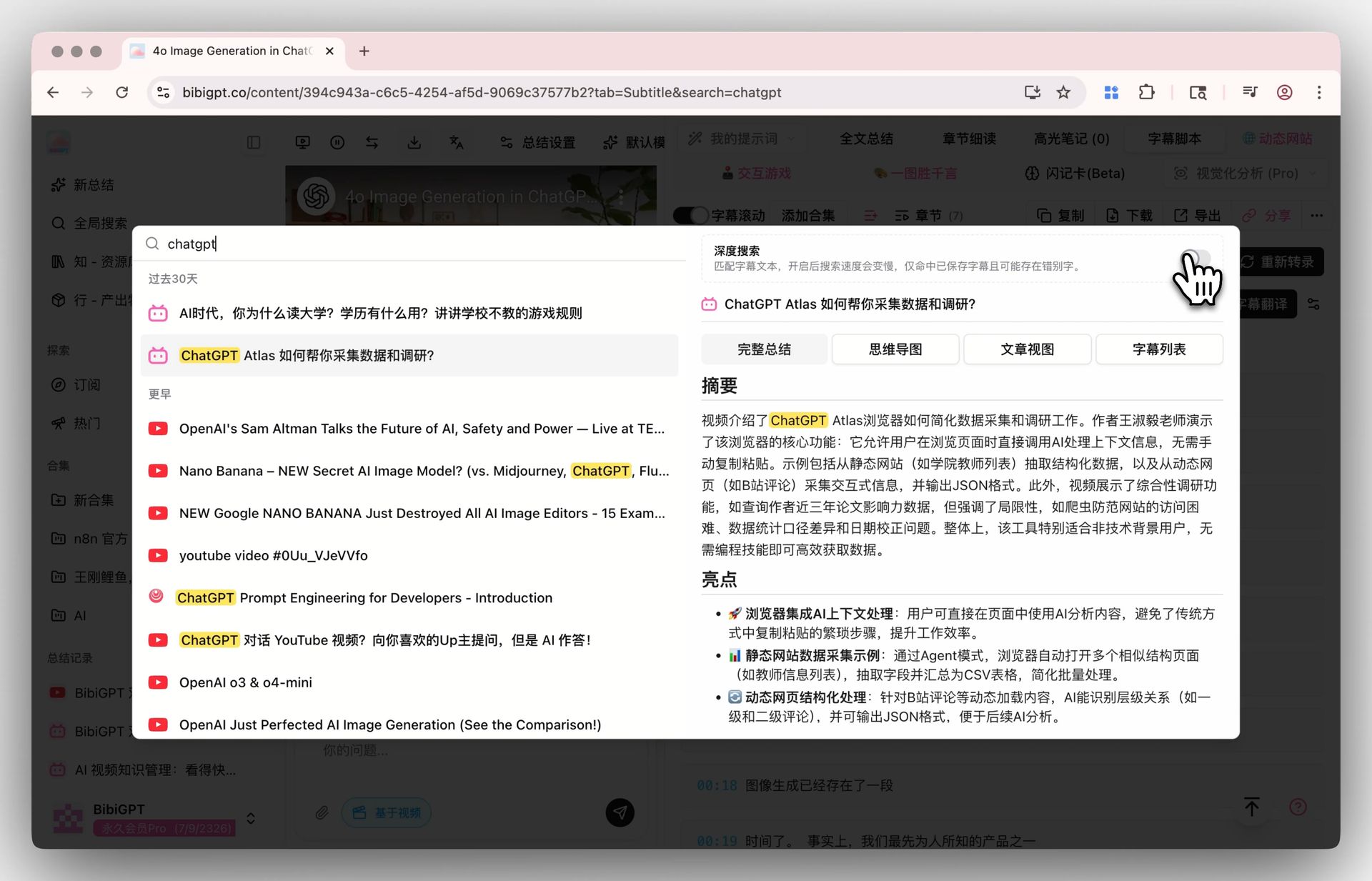
Screenshot: BibiGPT · Deep Search demo
A large share of workplace information is audio and video: meetings as recordings, industry news as podcasts and livestreams, learning as courses. Most of what comes in is “listen and watch.” The agent only “reads.”
Practical rule: Do not feed an AI a format it cannot read — convert audio and video to text, then give that to any agent.
Give WorkBuddy a “watch video” hand: pairing it with BibiGPT
The step WorkBuddy stalls on — “turn audio and video into text you can feed it” — is exactly what an AI audio/video assistant like BibiGPT is for. They are not competitors. They are sequential: BibiGPT turns “listen and watch” into structured text; WorkBuddy takes that text and keeps going into PPTs and reports. As of July 2026, BibiGPT has served more than 1 million users, generated more than 5 million AI summaries, and supports 30+ major audio/video platforms.
Here is a pairing you can run today.
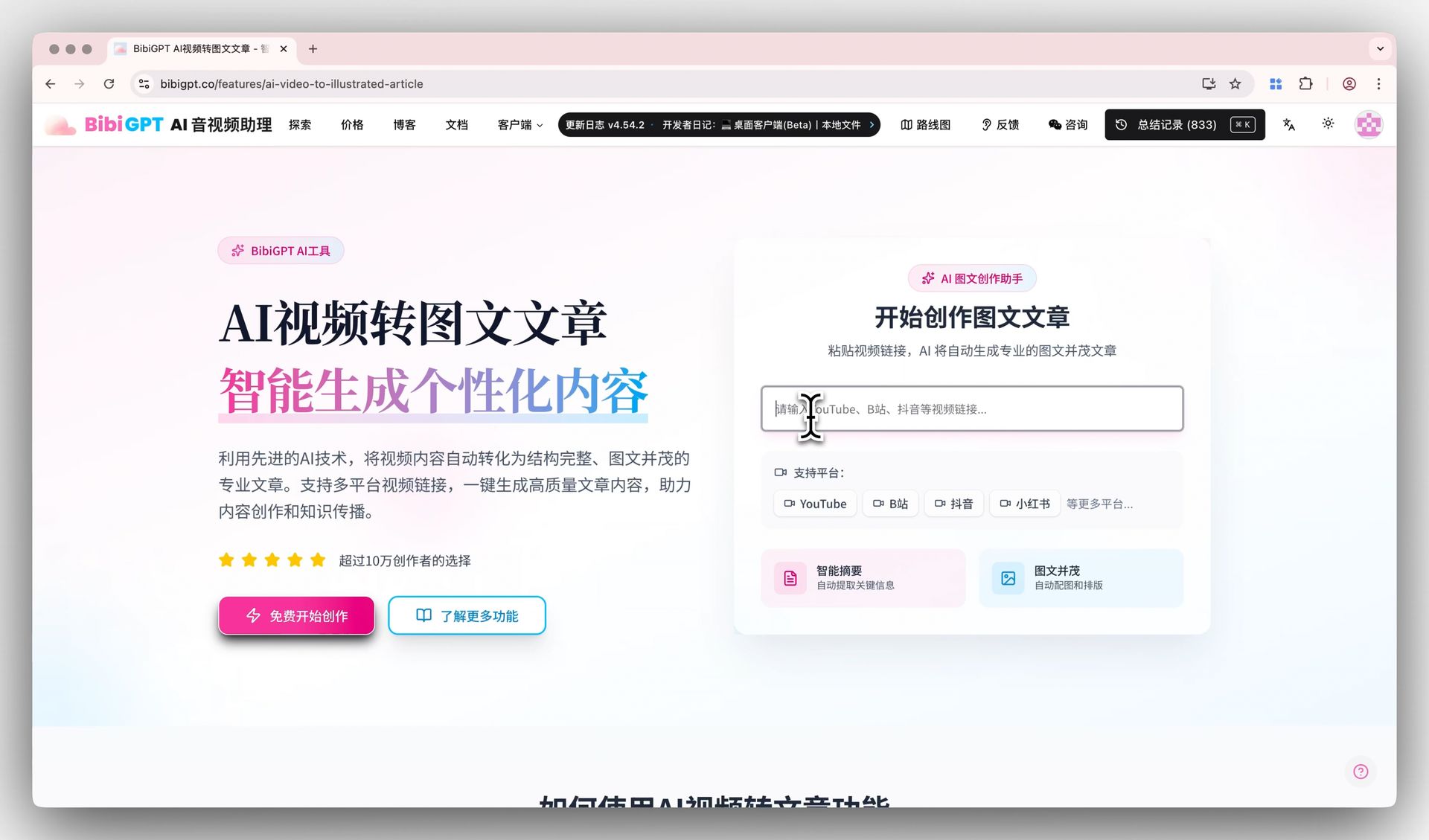
Step 1: turn audio/video into usable text takeaways. Paste a YouTube or Bilibili link, or upload a local recording. BibiGPT extracts subtitles and builds a structured summary. The same action can turn the video into an illustrated article — which is often the document you actually need to submit. See AI video to illustrated article.
This is the entry: one link in, output out:
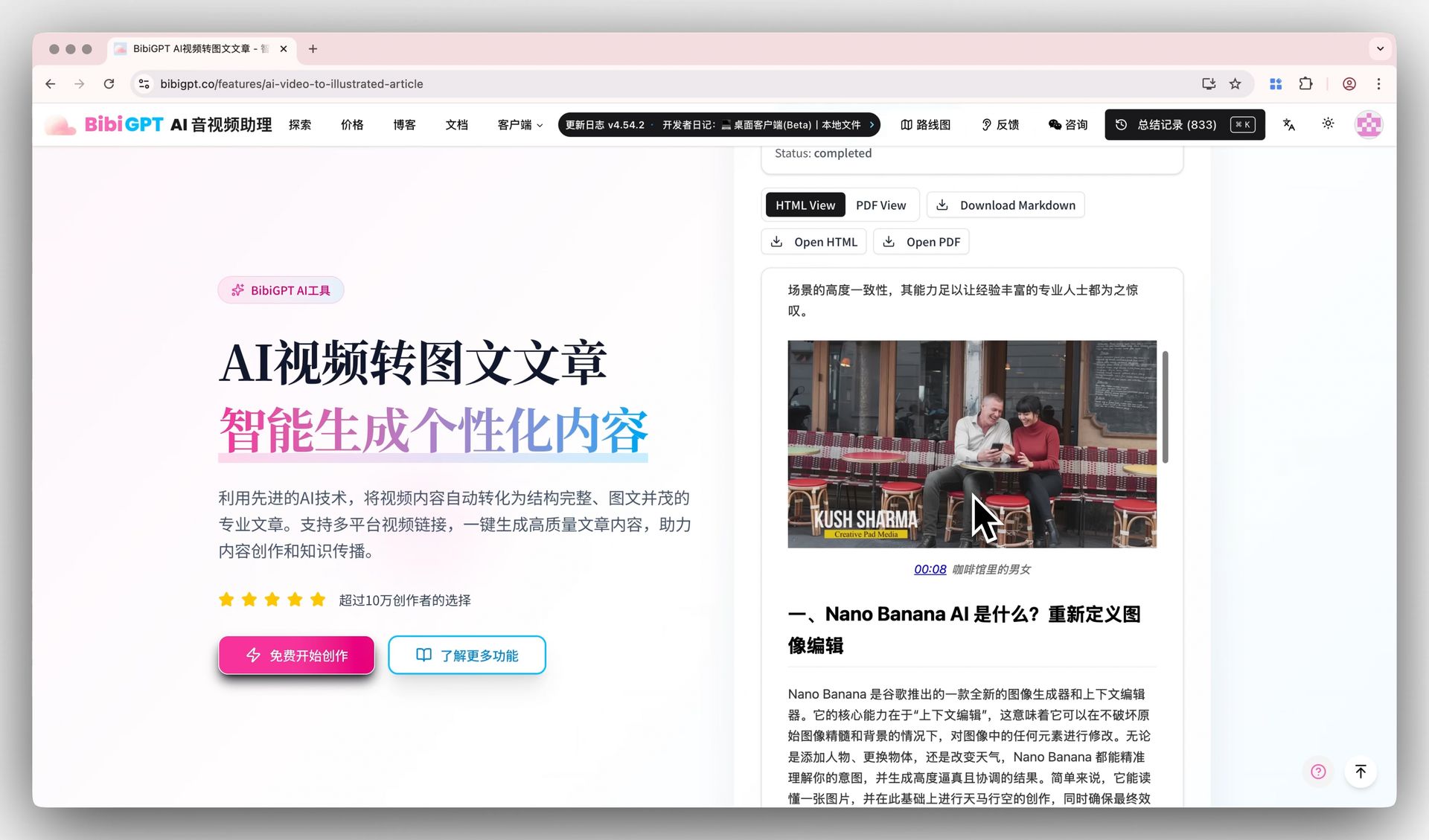
Screenshot: BibiGPT · video-to-article demo
Step 2: summarize several videos at once. If you are organizing a whole series — ten lectures from one course, a quarter of industry talks — use free batch video summarizer to fold them into one overview and a mind map, instead of watching each one.
This is the collection-summary entry:
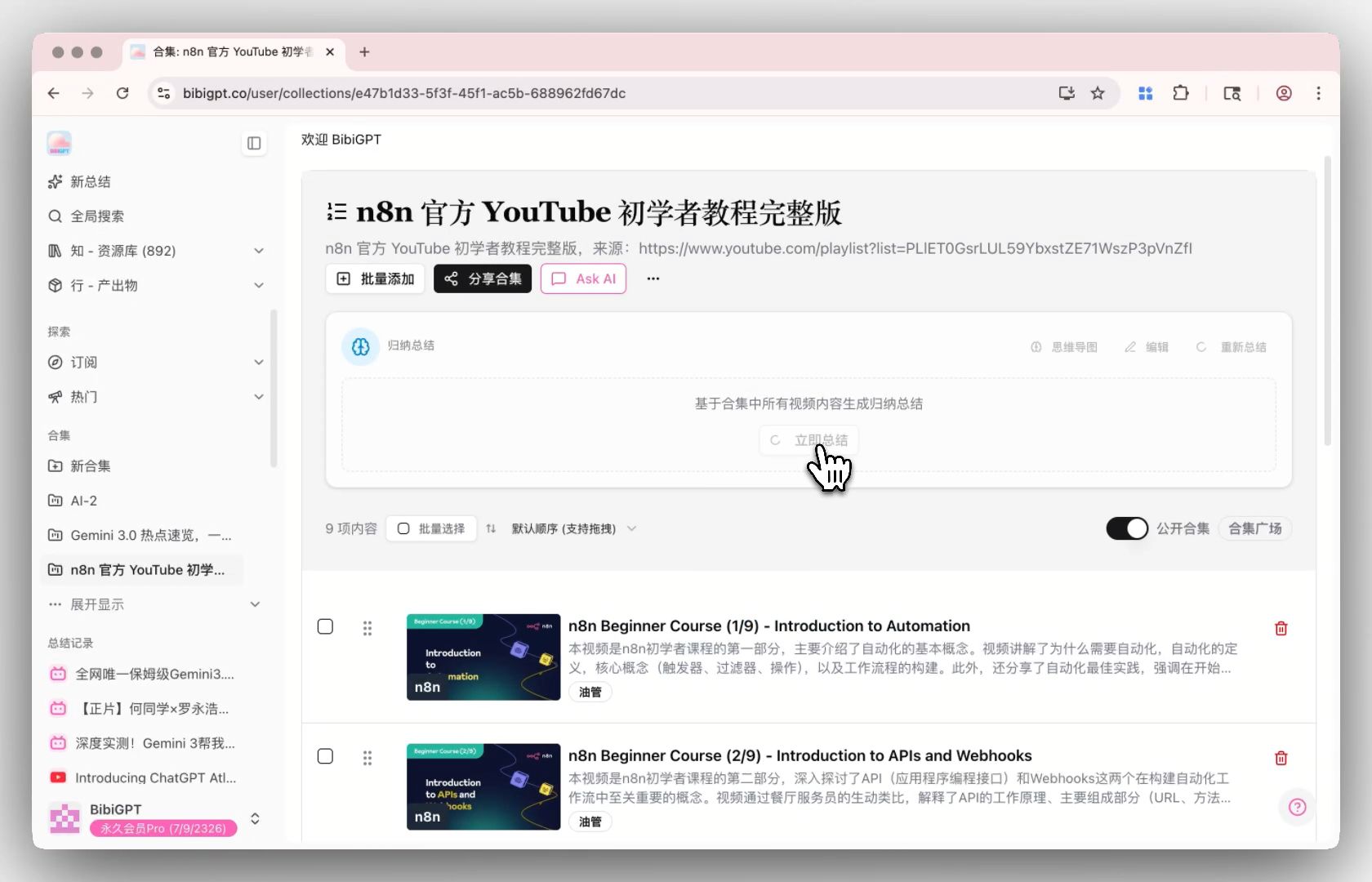
Screenshot: BibiGPT · collection summary demo
Step 3: interrogate the conclusions, with sources. After the summary you usually want to know “which segment did this number come from?” BibiGPT’s YouTube video summary with source tracing attaches a clickable timestamp and the original clip to every answer, so the model cannot just invent.
This capture shows every answer jumping back to that moment in the video:
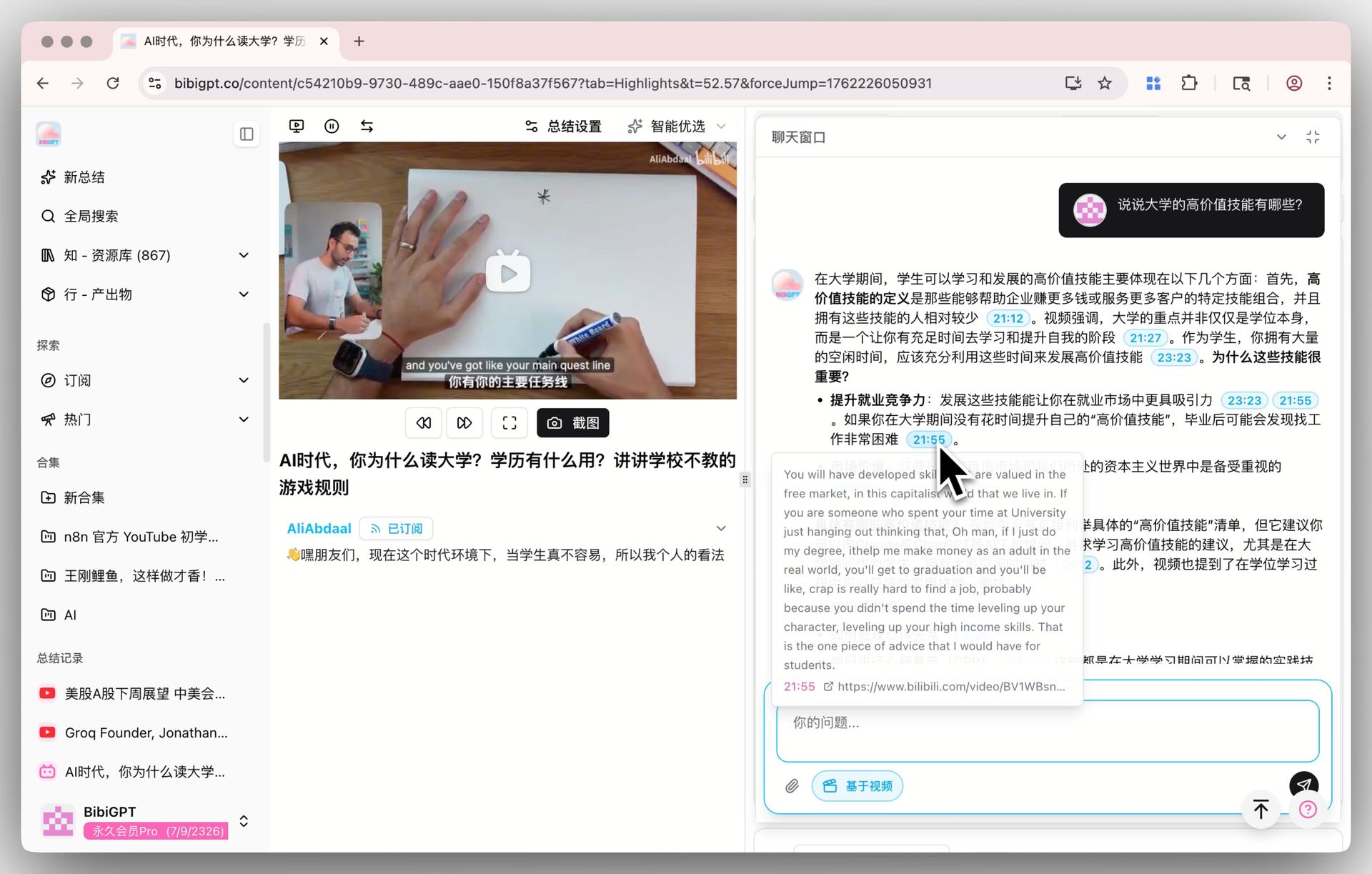
Screenshot: BibiGPT · AI video chat with source tracing
Practical rule: Summarize first, then decide whether to watch — spend five minutes of summary instead of two hours of viewing as the investment decision.
Step 4: hand the cleaned text to your agent. After you have probed the points with visual video content analysis, export to Obsidian notes in one click to Notion, Obsidian, Readwise, or download Markdown/PDF. That clean text is the feedstock WorkBuddy can turn into a PPT or report.
This is the follow-up chat entry:
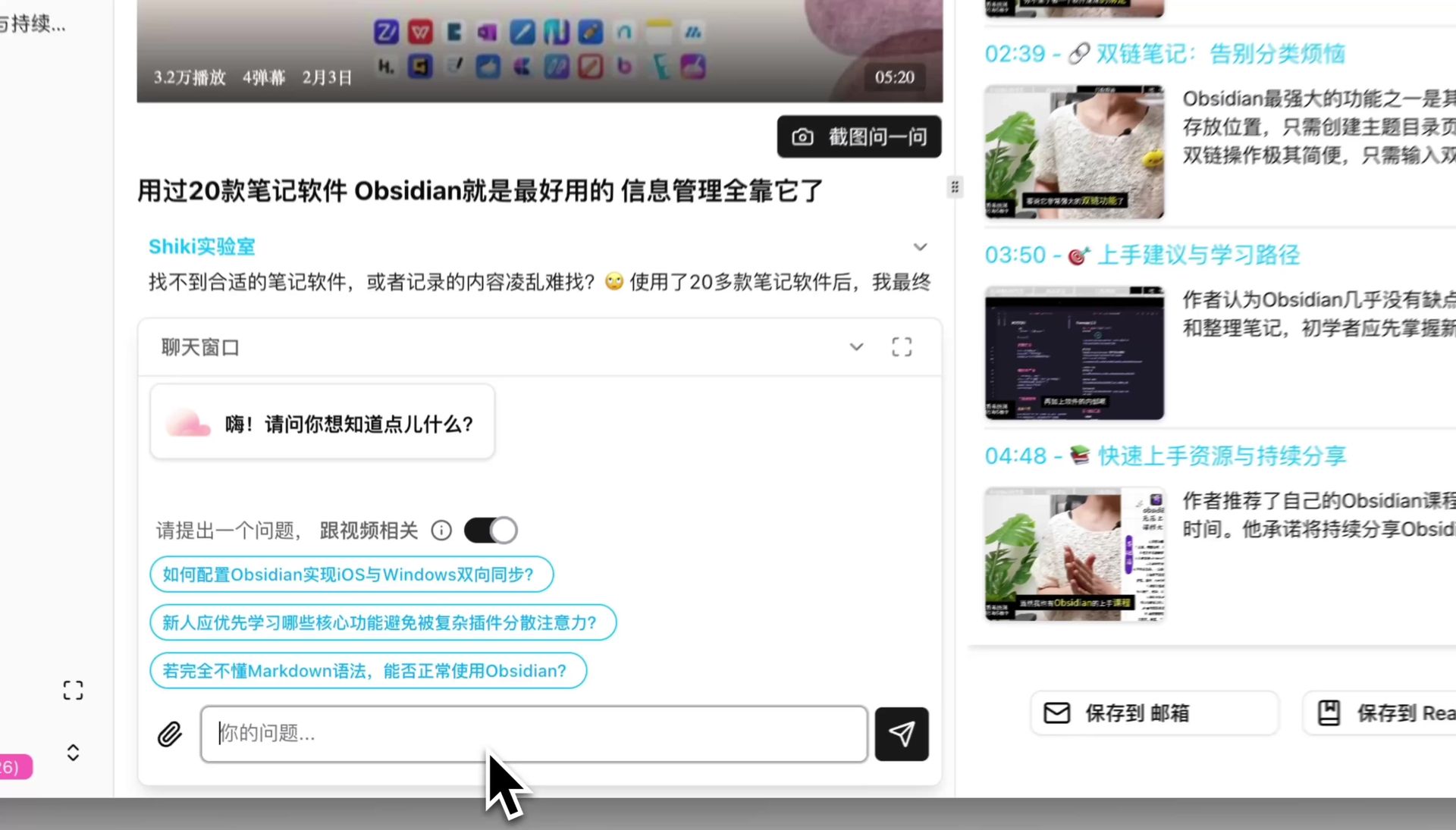
Screenshot: BibiGPT · AI follow-up chat demo
When you need to find where a sentence was actually said, video content search searches the full transcript, not just titles and abstracts. That relay — BibiGPT turns audio/video into text, WorkBuddy turns text into deliverables — is the loop that lets an agent cover every information inlet you actually have.
Our take: the next stop for office agents is multimodal input
A few claims you can hold us to.
Claim 1: multimodal input will be the next main battlefield for office agents. This generation of workbenches (WorkBuddy, TRAE Work, and the rest) compete on “whose agent plans better and calls tools better.” The real bottleneck sits earlier — audio and video cannot get in. Our bet: before June 2027, whichever mainstream office agent still cannot natively read audio/video will lose meetings, courses, and podcasts to whoever ships that first. We will check the answer then.
Claim 2: in the near term, agents will not grow a good audio/video understanding stack themselves. Turning audio/video into stable, high-quality usable text is a specialized job — subtitle extraction, speaker diarization, cross-platform adapters. We think over the next 12 months office agents are more likely to plug in an external conversion layer than to build it in-house. That view overlaps with our own product position; read it with that conflict of interest in mind.
Claim 3: “summarize first, then decide whether to watch” will replace “watch first, then organize.” Once an agent can hand you the takeaways of a video in seconds, behavior flips: inspect the goods, then decide whether to spend the time. Whoever positions as the gatekeeper of the watch/don’t-watch decision is on the right side of the story.
Frequently Asked Questions (FAQ)
Q1: How is WorkBuddy related to Tencent Yuanbao? They are parallel products. Yuanbao is the consumer chat entry; WorkBuddy is an execution-style office agent from the CodeBuddy family. WorkBuddy is not “replacing Yuanbao.”
Q2: Which models does WorkBuddy support? Per Tencent’s official page, you can switch among Hunyuan, DeepSeek, GLM, Kimi, and MiniMax, and pick by task type.
Q3: Can WorkBuddy read meeting recordings or podcasts? As of July 2026, this generation of office agents assumes text input. Audio and video are not directly supported. Convert them to structured text with BibiGPT first, then hand that to WorkBuddy.
Q4: What does local execution mean, and is the data safe? Local execution means the task runs on your own computer. Data does not have to leave the machine to be processed. Enterprise users also get security audit, which is more controllable.
Q5: I am not a programmer. Can I still use WorkBuddy? Yes. It ships 20+ skill packs and is designed for zero-code extension. PPT and reports are aimed at non-developers.
Audio and video are the largest “dark matter” in AI-era information input — agents cannot read them, and you cannot live without them. Turn them into text first, and every AI tool you already use actually starts working.
Open BibiGPT and turn your meeting recordings and courses into usable text
BibiGPT Team
Popular tools
本系列更多文章
- Adobe Acrobat Student Spaces vs BibiGPT:把 PDF 和影片一鍵變 AI Podcast 的兩條路(2026 學生 AI 學習對比)
- AI Haoji vs BibiGPT 2026 Full Comparison: Use Case, Platform Coverage, Multilingual, Mind Map Depth, Pricing — Which Should You Pick?
- AI PPT 生成工具橫評(2026):Qwen vs Gamma vs BibiGPT vs Tome,誰最適合你?
- AI Video Note Taker Comparison 2026: QuickQuill vs Mufal vs Memories.ai vs BibiGPT
- Ask YouTube's Conversational AI Search Rolls Out Wider This Summer: Can It Replace Video Summary Tools? (2026 Hands-On Review)