
BibiGPT Free Video Compressor: AI-Powered, Up to 90% Smaller, Near-Lossless Quality
Diterbitkan · Oleh BibiGPT Team

Huge video files slow down sharing, hog storage, and break workflows. BibiGPT’s free compressor solves it in three clicks—no installs, no uploads, no quality trade-offs.
Why It’s Different
- H.264 + adaptive tuning – AI picks the best parameters for your video.
- High-performance browser engine – desktop-class speed directly in your browser.
- Privacy first – processing happens locally; nothing leaves your device.
- Up to 90% smaller – often indistinguishable from the original.
Three-Step Workflow

- Upload – Drag/drop MP4, AVI, MOV, MKV, WMV, FLV, etc.
- Compress – AI optimizes settings automatically; watch progress in real time.
- Download – Compare before/after sizes, then save the MP4 output.
Key Features
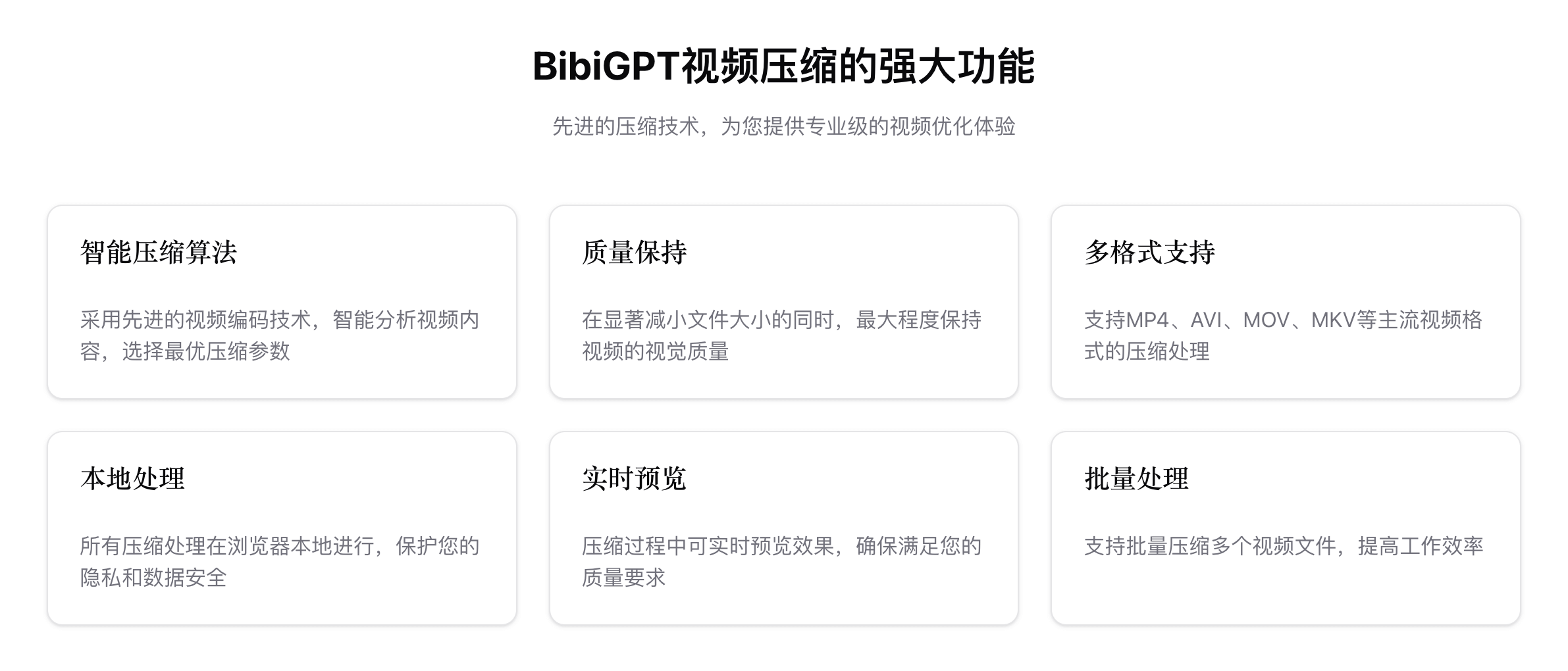
- Smart compression tuned for each video.
- Quality-first—crisp visuals even at extreme reduction.
- Broad format support with MP4 output for maximum compatibility.
- Real-time previews and comparisons.
- Batch-ready pipeline (multi-file support is on the roadmap).
Perfect Companion to Other BibiGPT Tools
- AI Video Summary Visual Content
- AI Local Speech-to-Text
- AI Meeting Video to Document
- AI Podcast to Article
Compress first, then analyze, transcribe, or repurpose without worrying about file size.
Security & Performance
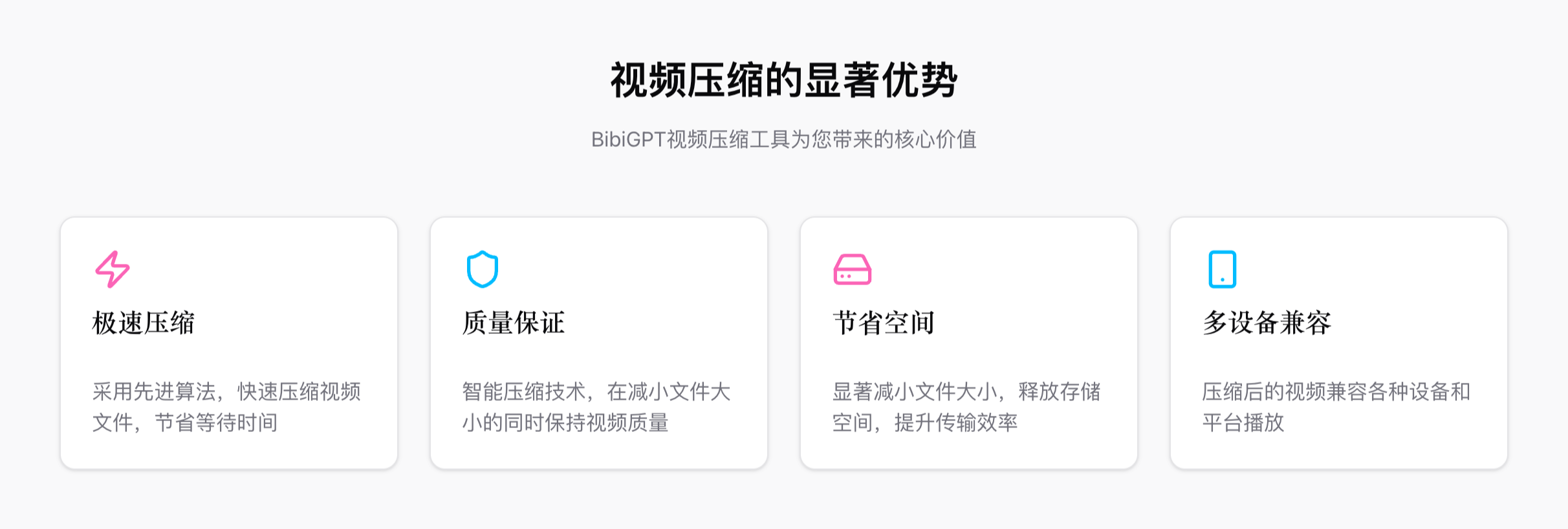
- 100% local processing—everything stays on your device.
- No uploads, no logging, automatic cleanup when you’re done.
- Enterprise-grade practices to protect sensitive footage.
- Adaptive performance based on your hardware.
FAQ Highlights
- How does it work? AI + H.264 tuning shrinks files dramatically while preserving detail.
- Which formats? MP4, AVI, MOV, MKV, WMV, FLV, and more—output defaults to MP4.
- Quality? Nearly lossless; side-by-side comparisons are provided.
- File size limit? Works best under ~500 MB per file (for now).
- Is it free? Yes—no login, no paywall, no usage limits.
- Privacy? Strictly local processing; nothing is uploaded or stored.
Ready to try it? Visit BibiGPT Free Video Compressor and reclaim your storage, bandwidth, and time.
Popular tools