SeedRealtime is here: full-duplex video calls still cannot search last hour

The meeting is still going and someone already has a camera on the whiteboard. You hear “there is a number on that slide” and try to pin the sentence. The topic turns. The call felt smooth. Your head is full of steam.
That is not a microphone problem. It is “understood in the room” and “usable later” being forced into one product.
On 5 August 2026 ByteDance launched the native audio-visual full-duplex model SeedRealtime and said it was live across ByteDance’s consumer chat app. Most write-ups stop at “watch, listen, and speak.” This piece splits the other half: what live interaction actually fixes, and what you still lack when the hour ends.
Table of Contents
- What a live call fixes — and what it does not
- Three things a full-duplex model actually changes
- The after-the-fact workflow: turn an hour into a searchable asset
- How to choose between the two paths
- Common mistakes
- From watching to using
What a live call fixes — and what it does not
SeedRealtime’s official framing is clear: a unified architecture that fuses audio, video and text, then interacts on a continuous multimodal stream. The project page writes it as “watch, listen, and speak.” The entry is concrete too: update ByteDance’s consumer chat app, tap “phone call” in the chat box, join a video call.
It removes friction in this second. You do not record, upload, then wait for a transcript. The model can see the frame, hear the room, and talk back. For tutoring, demos and remote debugging, that is a real job.
It does not remove friction in the next hour. When the call drops, the live rhythm drops with it. You have no timestamped chapters, no keywords you can search, no structured notes that belong in a vault. A realtime model serves presence. It does not serve an archive.
Edison Research’s Infinite Dial 2026 is a useful contrast: US podcast listeners average 8 hours 24 minutes a week and subscribe to 6.8 shows. Nobody replays all 8 hours. What gets used is the layer of text you can search, quote, and use to decide whether to go deeper.
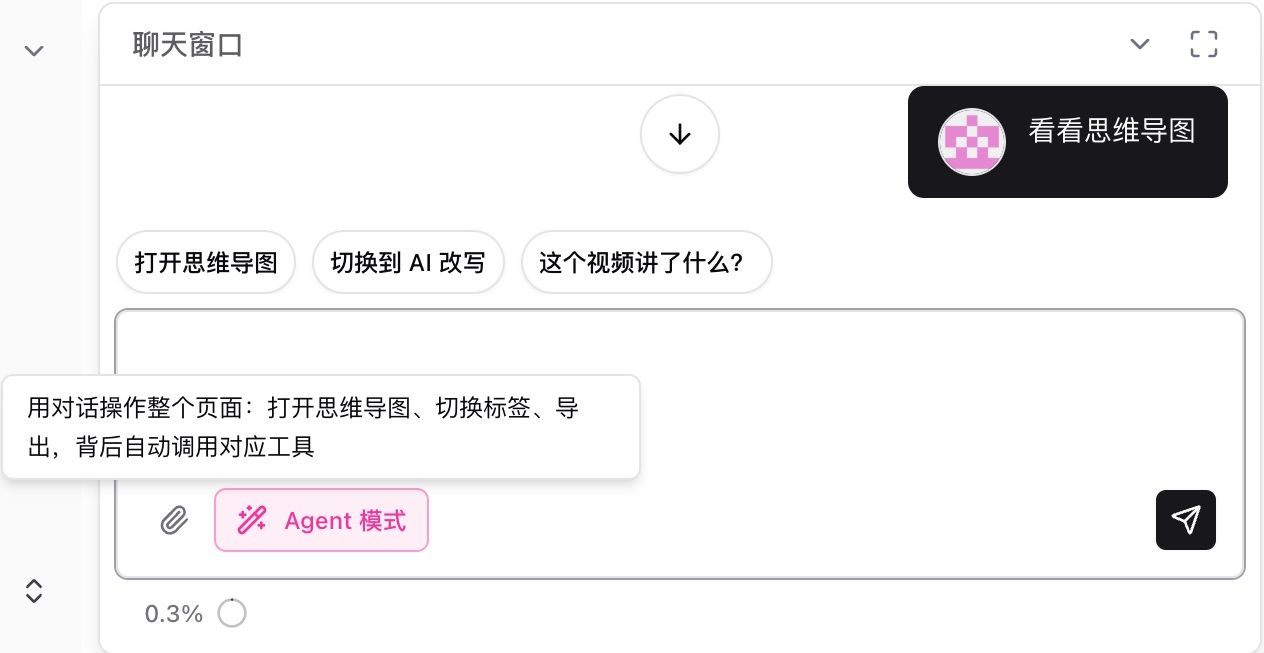
Screenshot: handing audio and video to a searchable workflow, not placing another live call. Source: BibiGPT.
Practical rule: Live calls serve presence. After-the-fact summaries serve reuse. If you mash both into one narrative, you will do neither well.
I treat SeedRealtime as “the model moved into a video call,” not “video knowledge work just got absorbed.” The latter still needs an input layer: captions, chapters, key frames, and links that actually open.
Three things a full-duplex model actually changes
ByteDance’s 5 August note highlights three capabilities: joint audio-visual understanding, proactive interaction, and a more natural conversational rhythm. Coverage such as this Ifeng report repeats the same trio. As a topic they all hold. As a workflow decision they map to three different failure modes.
Joint understanding: the frame finally enters the talk
Older realtime speech models mostly ate audio. You pointed at the screen and said “this bit.” The model could not see it. SeedRealtime binds sound, picture and time, so it can tell who you are talking to and which region you mean. That helps “demo and ask.”
It does not help the recap. Joint understanding lives inside the call. It does not default into a time-coded note.
Proactive interaction: the model can interrupt
Full duplex means both sides can speak at once. The model can follow up when you pause, or speak when the frame changes. It feels more human.
The cost: the more it interrupts, the harder the main thread is to archive. What felt natural live is often the worst material to chapter later.
Conversational rhythm: it is a phone call, not homework
ByteDance’s consumer chat app putting the entry under “phone call” is a product call: users want a session, not an assignment. That is the opposite timeline of “summarize first, then decide whether to watch” — which is the gatekeeper most knowledge workers actually use.
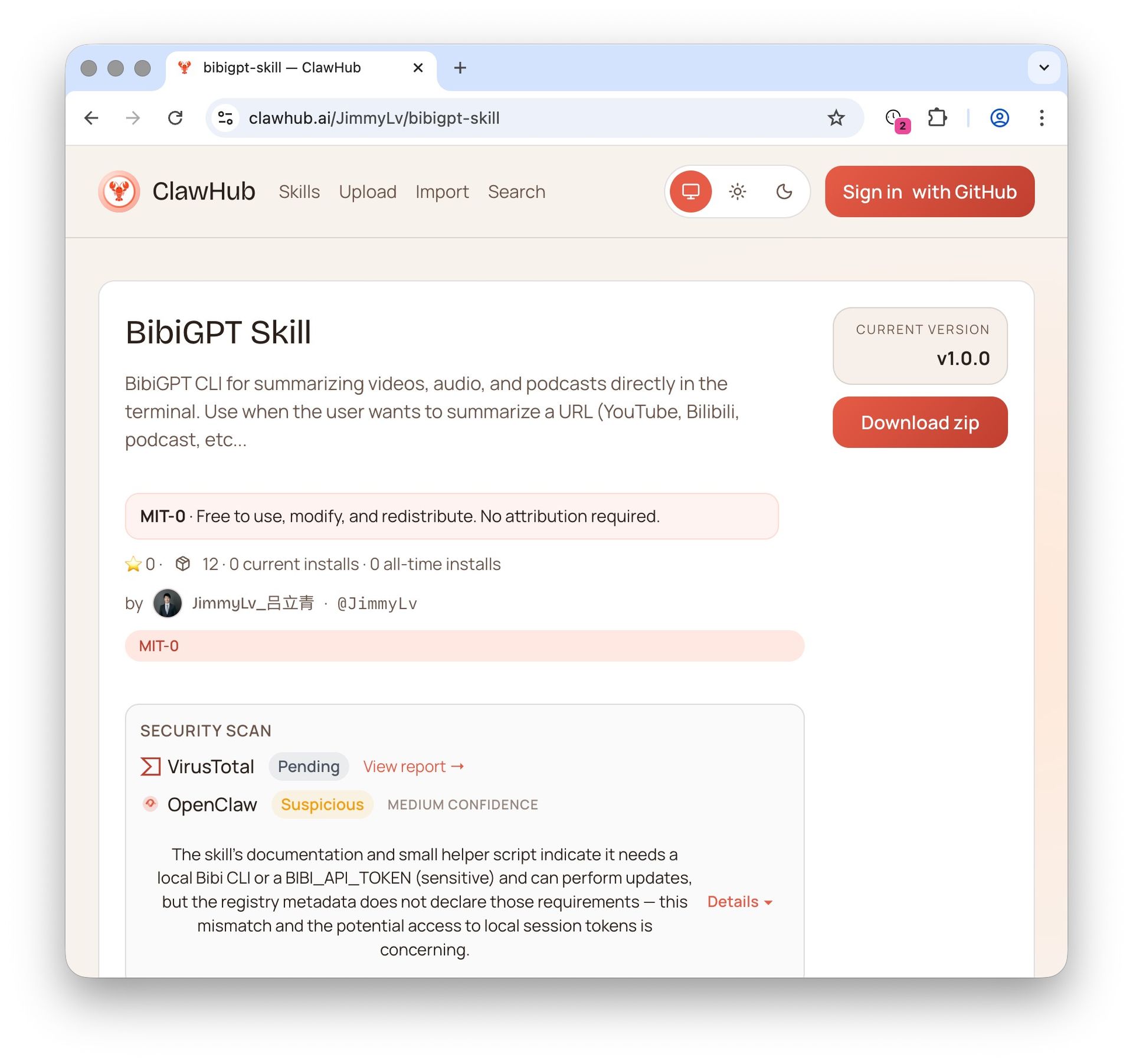 Screenshot: an installable audio-video skill is an input layer, not a live call. Source: BibiGPT.
Practical rule: The better a model is at interrupting, the more you need a quiet archive track. Live rhythm and retrieval structure are two products.
This is the same bet as another card I trust: cheaper models do not move the fight to parameter counts. They move it to whether you can reliably feed audio and video in. SeedRealtime shows that feed can happen in a call. It does not show that the feed becomes searchable.
The after-the-fact workflow: turn an hour into a searchable asset
The opposite of the live path is not “find a chattier model.” It is admitting most content happens when you are not in the room: a recorded lecture, a two-hour livestream VOD, a podcast you subscribed to and will not finish tonight.
A usable after-the-fact workflow is five steps:
- Take the original link or local file. Do not cut it first.
- Pull captions or a transcript. Keep timestamps.
- Summarize by chapter, not as one blob of prose.
- Lift conclusions, numbers and todos out of those chapters.
- Drop them into the notes app you actually open, with a timecode back to the source.
The acceptance test is boring: a week later you can search one keyword and get that sentence back. If you cannot, the smoothest call in the world was still steam.
If you want to see what “paste a link, get chapters” looks like, this is that input-layer path — not a live call.
Demo: sending a video into a summary workflow. Source: BibiGPT.
For how “summarize first, then decide whether to watch” lands in a product, see the AI video summary guide and the realtime translation tools roundup. The latter is “understand it live.” This piece is “use it later.” They complement; they do not replace.
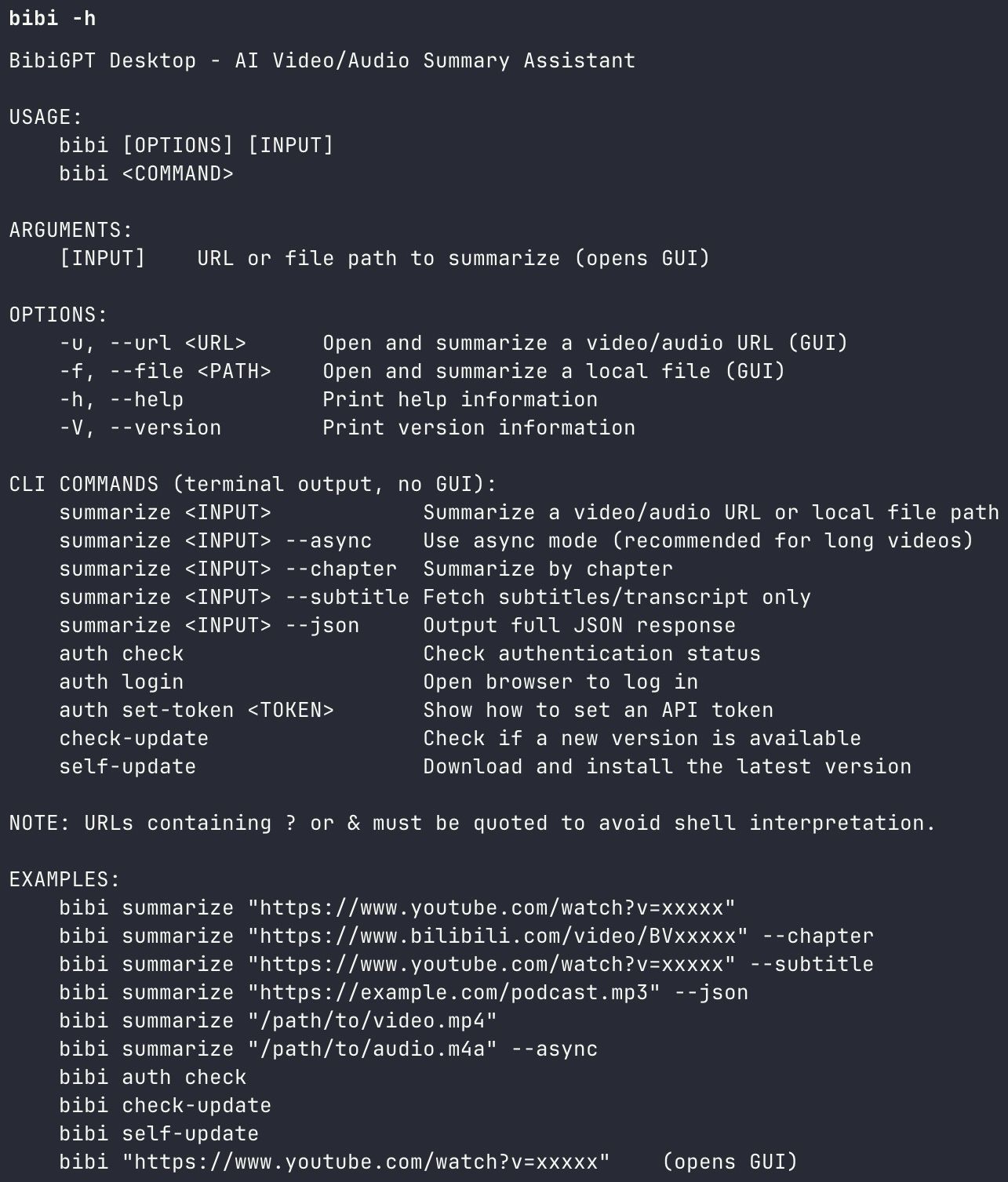 Screenshot: the CLI exposes an input layer, not a conversation layer. Source: BibiGPT.
Decision filter: One question is enough. Twenty-four hours after this ends, will you need one sentence back? If yes, take the after-the-fact path. If no, the live call already did the job.
This is sharper on platforms you were not in. A three-hour Bilibili livestream does not care how good your full-duplex small talk is — you were not there. The contest is who can open the link and emit timestamped chapters. See Bilibili video summary and YouTube video summary.
How to choose between the two paths
Put a SeedRealtime-style live call next to an after-the-fact chapter summary and the split is obvious:
| Dimension | Live full-duplex call | After-the-fact chapter summary | Best for |
|---|---|---|---|
| When | Happening now | Already happened | In the room vs replay |
| Output | The conversation itself | Searchable text + timestamps | People who need notes |
| Input | Camera + mic | Link / local file / many platforms | People who need Bilibili and podcasts |
| Failure mode | You miss it live | You cannot find it later | Which one you fear |
| Privacy | The frame goes to the model live | You can process a recording you already have | Rooms where the camera cannot go on |
Neither side is “strictly better.” Tutoring a homework problem or staring at a broken device: live wins. Five industry streams a week, a course you will be tested on, a podcast season you are writing from: after-the-fact is the main path.
Practical rule: Pick the moment first, then the model. Treating “can chat” as “can archive” is the most common mismatch of 2026.
If you already live on realtime calls, an archive track is not a conflict: after hang-up, drop the recording into a summarizer and turn “the number on that slide” into a timecoded note. That is why a video summarizer exists. It does not fight you for the call. It takes over when the call ends.
Common mistakes
Mistake 1: full duplex shipped, so async summary is obsolete
The opposite. Full duplex makes presence cheaper, so more calls get recorded. A recording you cannot search is just a larger cloud of steam. Falsifiable bet: if by August 2027 mainstream live-call products default to timestamped chapter notes, and retrieval feels as good as a dedicated summarizer, this claim is wrong.
Mistake 2: the model saw the frame, so you already did visual analysis
Seeing and filing are different jobs. Joint understanding in a call serves the next reply. Visual analysis wants key frames, whiteboard text and chart numbers you can cite alone. See visual video summary.
Mistake 3: if the model is fast enough, you do not need an input layer
The input layer is: platforms that open, captions that hold, chapters that cut, timecodes that jump back. None of that appears because the model got faster. The cheaper the model, the more this layer is worth.
From watching to using
A split you can run this week:
- If a human must be there and must see the frame, use that chat app’s video call and try SeedRealtime.
- After the meeting or on replay, run the same material through an after-the-fact summary. Demand chapters and timestamps.
- Keep only conclusions, numbers and todos in your notes. Jump back to the source with a timecode.
- Next week, reuse by search, not by memory.
Realtime models change how a conversation feels. Knowledge work changes when, a week later, you can still find the sentence.
Start your AI efficient learning journey now:
- 🌐 Official Website: https://aitodo.co
- 📱 Mobile Download: https://aitodo.co/app
- 💻 Desktop Download: https://aitodo.co/download/desktop
- ✨ Learn More Features: https://aitodo.co/features
BibiGPT Team
Popular tools
More in this series
- GPT-Transcribe vs Whisper vs Grok Voice 2.0 vs MAI-Transcribe:2026 语音转文字模型怎么选
- Apple iOS 27 Opens Third-Party AI: The Era of Switchable Assistants Is Here — How to Choose for Audio and Video (2026)
- DeepSeek R1 + BibiGPT: A Practical Guide to AI-Powered Audio/Video Understanding in 2025
- DeepSeek-V4 est là ! BibiGPT livre quatre nouveaux modèles + contexte 1M dès le premier jour — le résumé vidéo & podcast par IA passe au niveau supérieur
- BibiGPT vs DeepSeek-V4 + Granite Speech Plus 2026: Self-Hosted Open Source vs Productized Stack
Voir les 7 articles du thème Mises à jour des modèles →