Zettelkasten Meets AI Video Notes: A 2026 Workflow to Turn One-Hour Videos Into Permanent Notes (BibiGPT + Obsidian / Notion)

Short answer: to apply the Zettelkasten method to video notes, use BibiGPT to decompose an hour-long video into structured idea cards (Fleeting Notes), refine them into Literature Notes and Permanent Notes in two passes, and weave them into a knowledge graph with Obsidian or Notion bidirectional links. This post translates Luhmann’s methodology into a 2026 AI video workflow with concrete actions per step.
Table of Contents
- Zettelkasten in 60 seconds
- Why video notes are Zettelkasten’s ideal input
- The 5-step workflow
- Integration map: BibiGPT × Obsidian / Notion
- Common pitfalls
- FAQ
Zettelkasten in 60 seconds
The method (originally by German sociologist Niklas Luhmann, who used it for 70+ books) has three note types:
- Fleeting Notes: raw capture, any format, to be processed within 24 hours
- Literature Notes: what you’re reading/watching, summarized in your own words
- Permanent Notes: one idea per card, each self-standing, linked to at least 2 other cards
The two non-negotiable principles are atomicity (one concept per card) and bidirectional links (every card connects to ≥2 existing cards). After a few hundred cards, knowledge “emerges” — this was Luhmann’s lifelong lever.
Why video notes are Zettelkasten’s ideal input
Videos and podcasts are dense: a one-hour talk equals ~10,000 words of transcript. But most people forget it immediately, because the traditional note-while-watching method is exhausting and unstructured.
AI video summarizers solve exactly this: they break a video into chapterized idea cards automatically. A 90-minute TED talk becomes 7-10 cards with timestamps, theses, and one-line restatements in BibiGPT. These cards are Literature Note drafts — upgrade them by switching from observer voice to first-person voice.
The 5-step workflow
Step 1: Fleeting Notes — let AI produce them
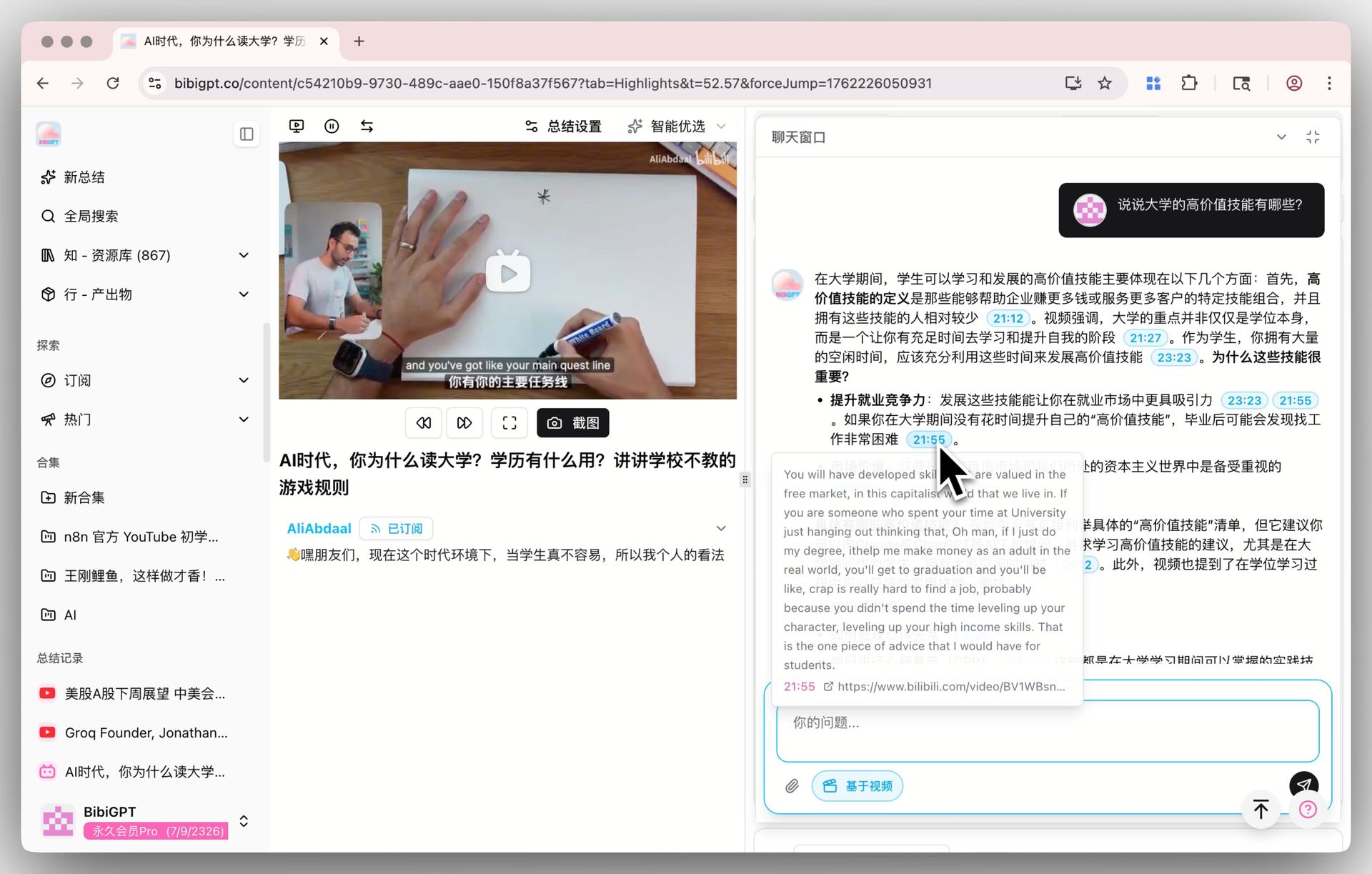
Paste the video/podcast link into BibiGPT. In 30 seconds you get:
- Full captions with timestamps
- Chapterized summary (5-10 segments)
- Structured idea cards with jump-to-time links
- Mindmap
Those are your Fleeting Notes. Try AI YouTube Summary, AI Podcast Summary, or Visual Content Analysis (the last one shines for slide-heavy lectures).

Step 2: Literature Notes — rewrite in your own voice
Pick the 3-5 cards that resonate most and rewrite them in your own words. This is the cognitive step: it forces understanding and reveals gaps. Keep the original video link + timestamp for traceability.
Every BibiGPT card has a one-click “jump to this moment” button — traceability cost is essentially zero, which makes Zettelkasten and AI summaries a natural fit.
Step 3: Atomize — one concept per card
Split Literature Notes into atomic cards:
- If a note covers two independent concepts, split it
- The title is the one-sentence conclusion
- 50-200 words per card, no more
Step 4: Build bidirectional links — promote to Permanent Notes
This is the crux of Zettelkasten. Every new Permanent Note must link to ≥2 existing cards; otherwise it is an isolated island that will be forgotten. Use [[double-brackets]] in Obsidian or @mention in Notion.
Step 5: Maps of Content (MOC) — periodic curation
Weekly or monthly, build a MOC card for a theme (e.g. “Deep-work cards”) aggregating related cards. MOC is not a folder; it is a reading path.
Integration map: BibiGPT × Obsidian / Notion
| Step | Tool | Output |
|---|---|---|
| 1 Fleeting | BibiGPT idea cards | Structured summary JSON/Markdown |
| 2 Literature | Obsidian / Notion hand-written | Note with video + timestamp |
| 3 Atomize | Obsidian / Notion | 1 concept = 1 card |
| 4 Link | Obsidian bidirectional / Notion @mention | Knowledge graph |
| 5 MOC | Obsidian / Notion | Thematic index |
See: Notion × BibiGPT workflow, Bilibili → Notion knowledge base, Obsidian × BibiGPT video notes.
Common pitfalls
- Copying summaries is not Zettelkasten — you must rewrite in your own voice
- Quantity over connectivity — 300 isolated cards lose to 50 highly-linked ones
- Must be daily — the lever comes from compounding, not bursts
- Don’t over-categorize — relying on folders vs links misreads the method
FAQ
Q1: How long before Zettelkasten shows results? 200-300 atomic cards (3-6 months) is when unexpected connections start appearing. A year in, writing feels like ideas raining down.
Q2: Obsidian or Notion? Obsidian for flexible bidirectional links and offline-first; Notion for structured databases and team collaboration.
Q3: Does BibiGPT export to Obsidian? Yes — all summaries export as Markdown. See Obsidian × BibiGPT guide.
Q4: What about podcasts? Same workflow. Use AI Podcast Summary — timestamp navigation is even smoother than video.
Q5: What determines card quality? Video structure (lectures > casual interviews) + model capacity (long videos benefit from million-context, e.g. DeepSeek V4 1M context).
Q6: Can Feynman technique be combined with Zettelkasten? Absolutely. Feynman emphasizes teaching; Zettelkasten emphasizes cards. Together they’re the gold standard for AI video learning. See AI-powered Feynman learning method.
Start now: pick a YouTube video you recently watched, paste the link into BibiGPT, grab the idea cards, and make your first bidirectional link in Obsidian. That’s your first Zettelkasten card.
BibiGPT Team
Popular tools
More in this series
- AI Study Board: Extract Online Course Slides & Build Your AI Enhanced Study Dashboard
- How AI Helps Students Learn from Online Lectures and Course Videos (2026 Complete Guide)
- AI Lecture Video Summarizer for Students: Watch a Whole Semester in a Week (2026 Guide)
- Best AI Podcast Study Tools 2026: YouLearn vs NotebookLM vs BibiGPT for Turning Lectures into Audio
- Supercharge the Feynman Technique with AI for Video Learning