Muse Image is here: readable stills still cannot search last hour

The cover is already rendered. The headline sits in the middle, the strokes are clean, the product is in frame. You stare at the line of type and cannot remember which minute of the lecture it belongs to. The still is complete. The notes are empty.
That is not a resolution problem. It is “looks good now” and “usable later” being forced into one product.
On 26 August 2026 Meta launched Muse Image, and Meta for Developers posted the same day. OpenRouter lists it as meta/muse-image at $0.01 per image with a 65,536-wide context window. Most write-ups stop at “agentic image generation.” This piece splits the other half: what a readable cover actually fixes, and what you still lack when a 40-minute video ends.
Table of Contents
- What a readable cover fixes — and what it does not
- Three things Muse Image actually changes
- The notes-first workflow: chapters, then the still
- How to choose between the two paths
- Common mistakes
- From watching to using
What a readable cover fixes — and what it does not
Muse Image’s official framing is clear: reason, then render. The OpenRouter card says it breaks multi-part prompts apart, can look up facts on knowledge-heavy jobs, and tries to keep lettering readable. The entry is concrete too: read the timeline on the Muse Image explainer, or open a workspace and pick Muse Image in the image-model list.
It removes friction on this one frame — you do not screenshot, open a layout tool, then typeset the title by hand. The model can hold a headline, a product, and a disclaimer in one brief. For podcast art, Xiaohongshu cards, and YouTube thumbnails, that is a real job.
It does not remove friction in the next hour. When the still lands, the lecture does not become chapters. You have no timestamps, no keywords you can search, no structured notes that belong in a vault. An image model serves a cover. It does not serve an archive.
Edison Research’s Infinite Dial 2026 is a useful contrast: US podcast listeners average 8 hours 24 minutes a week and subscribe to 6.8 shows. Nobody replays all 8 hours. What gets used is the layer of text you can search, quote, and use to decide whether to go deeper.
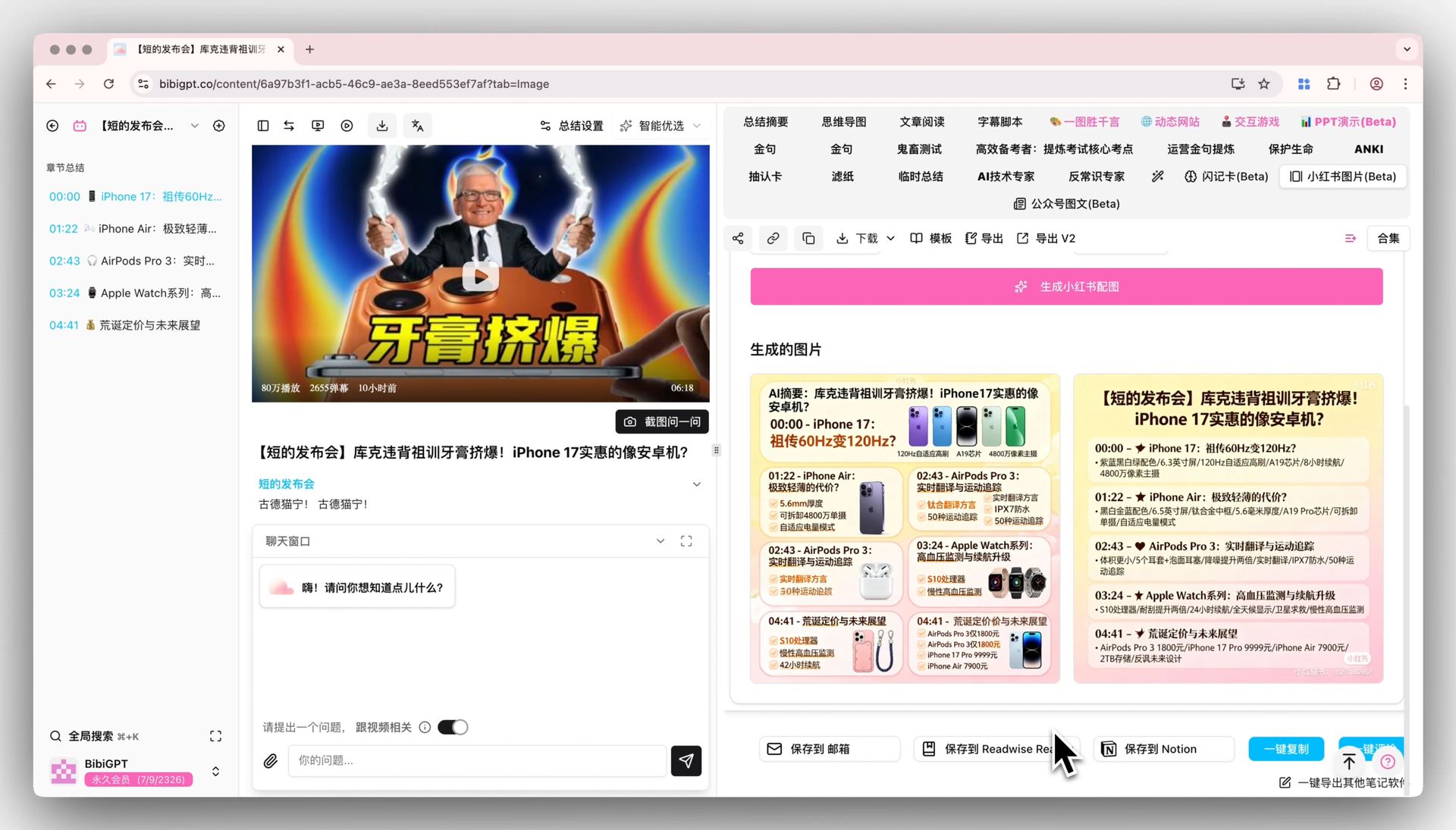
Screenshot: a shareable still that starts from the clip, not from a blank canvas. Source: BibiGPT.
Practical rule: Image models serve covers. After-the-fact summaries serve reuse. Mash both into “AI does everything” and you will do neither well.
I treat Muse Image as “the cover layer finally has a named model that can set type,” not “video knowledge work just got absorbed.” The latter still needs an input layer: captions, chapters, key frames, and links that actually open.
Three things Muse Image actually changes
OpenRouter’s Image API docs fold reference images, aspect ratio, and resolution into one POST /api/v1/images. Muse Image uses that surface. For a user, three jobs change — not “another model name appeared.”
First, a complex brief is less likely to collapse into mush. Headline plus product plus legal line is supposed to survive as a plan. That is “small print stays,” not “prettier texture.”
Second, on-image text is a first-class claim. Thumbnail jobs care whether you can read it. If non-Latin lettering turns into ornament, the still cannot ship.
Third, reference images and iterative edits share one path. Pass stills for style or subject, then send the last output back with a new instruction. BibiGPT supports Muse Image as a named row in the image picker — you choose it, and you can switch.
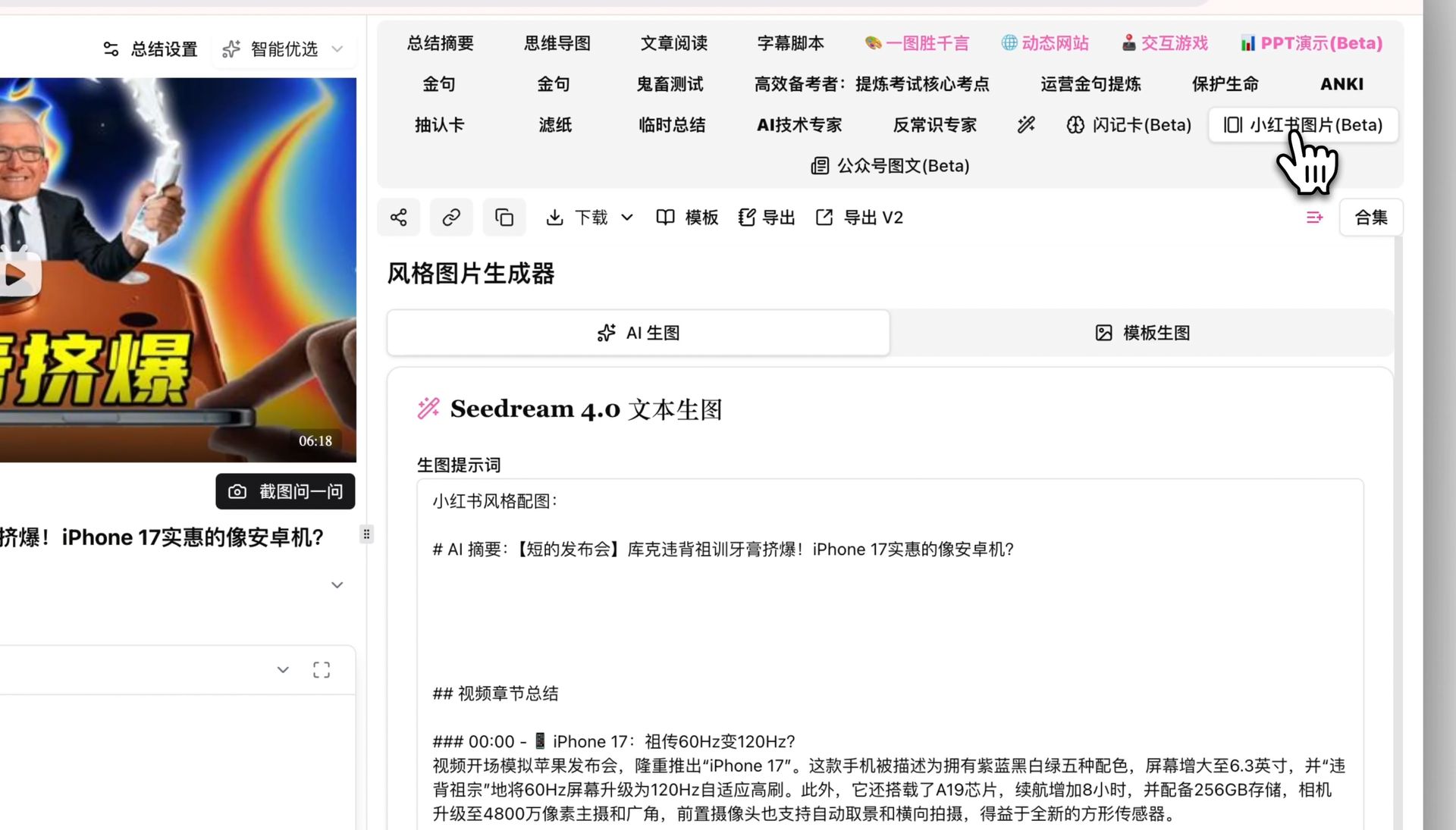 Screenshot: the clip comes first, then the still. Source: BibiGPT.
Practical rule: Use Muse Image when the job needs readable type or multiple references. Do not use it instead of chapters.
Pricing also splits in two. OpenRouter’s list is $0.01 per image. In BibiGPT a 1K still costs 12 credits — the same band as other fast image models. Read the credit line on the picker before you write a budget memo.
The notes-first workflow: chapters, then the still
A 40-minute lecture is not “render a cover, then remember what was said.” The order is: paste the link → take chapters and a transcript → pull one slogan from a chapter → then let Muse Image paint that one frame.
BibiGPT’s AI video summarizer does the first half. Video-to-social-image does the still you actually post. Lecture frames can go through the YouTube slide extractor. The previous “image from video” event stays on the Gemini Flash Image explainer — do not merge 26 August 2026 into that URL. One intent, one page.
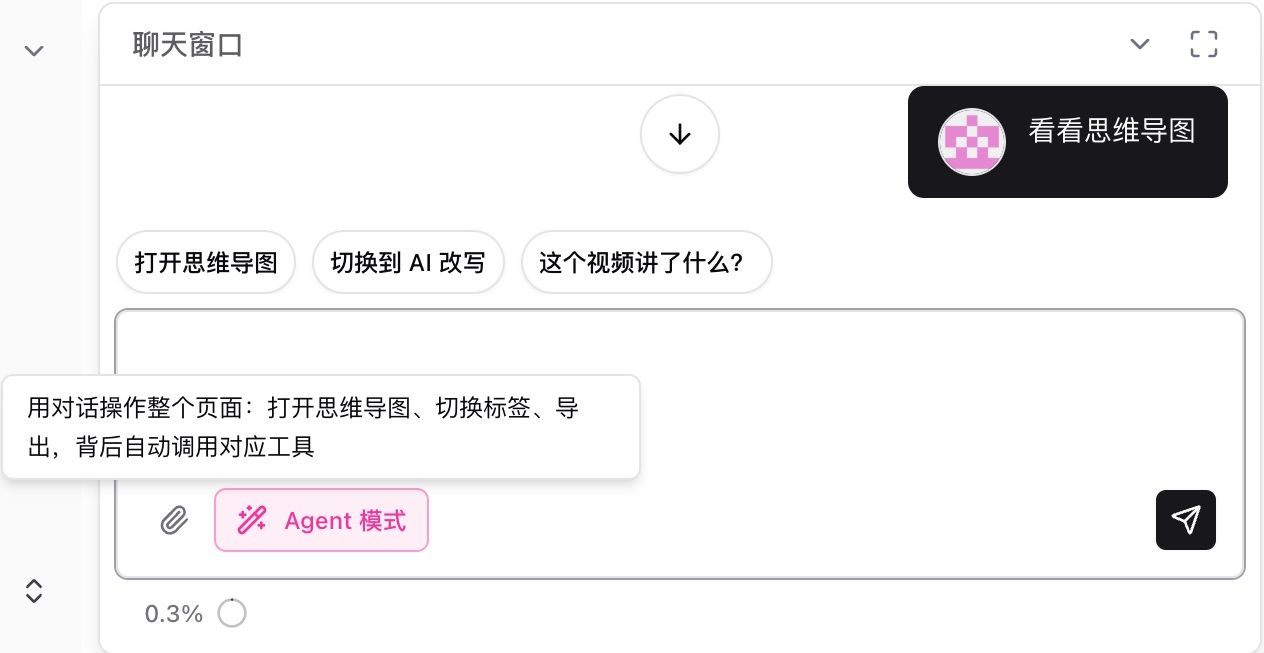 Screenshot: the same clip needs notes and a still. Source: BibiGPT.
Statista’s tracking of digital advertising and short-form consumption (see the Digital Advertising outlook) keeps pointing at the same split: attention on a cover is brief; the decision to stay happens when you can search the original sentence. The cover stops the scroll. The notes let you keep the hour.
Practical rule: Export the transcript first, then generate the still. Reverse the order and you get a pretty picture with no citation.
How to choose between the two paths
You already call OpenRouter and only want to try the Muse Image API: use the model card and POST /images. Then still dump the finished video into BibiGPT so humans get chapters instead of a raw model dump.
You just need lecture notes plus one shippable cover: you do not need a SKU story. Paste the URL, export the transcript, pick Muse Image in the image list. That is the product path.
You are comparing Gemini Flash Image and Muse Image: keep two explainers. Flash Image is the 2026-05-28 video-context event. This page is the 2026-08-26 agentic generator. Different intent, different URL.
 Notes and stills do not replace each other. Source: BibiGPT.
Common mistakes
Reading “agentic” as “it will do the knowledge work.” Reasoning serves this still’s brief, not the structure of a 40-minute talk.
Treating the OpenRouter list price as the product bill. $0.01 is the API card. The product deducts credits; trust the picker.
Putting Muse Image and video summary in the same powered-by sentence. “Supports Muse Image” is a capability. “Powered by Muse Image” is a lock-in that becomes a refund argument when the catalog moves. This article only states support.
From watching to using
Open the Muse Image explainer for a 90-second timeline, or paste a link into BibiGPT. Take the chapters first. When you need a cover with a real headline, pick Muse Image in the image-model list.
Popular tools
More in this series
- GPT-Transcribe vs Whisper vs Grok Voice 2.0 vs MAI-Transcribe:2026 语音转文字模型怎么选
- Apple iOS 27 Opens Third-Party AI: The Era of Switchable Assistants Is Here — How to Choose for Audio and Video (2026)
- DeepSeek R1 + BibiGPT: A Practical Guide to AI-Powered Audio/Video Understanding in 2025
- DeepSeek-V4 Is Here! BibiGPT Ships Four New Models + 1M Context on Day One — AI Video & Podcast Summarizing Just Leveled Up
- BibiGPT vs DeepSeek-V4 + Granite Speech Plus 2026: Self-Hosted Open Source vs Productized Stack
View all 43 articles in Model Updates →